
How to Get a Passport
Learn how to get a U.S. passport with eligibility, forms, documents, photo, fees, acceptance facilities, tracking, mistakes, and FAQs.
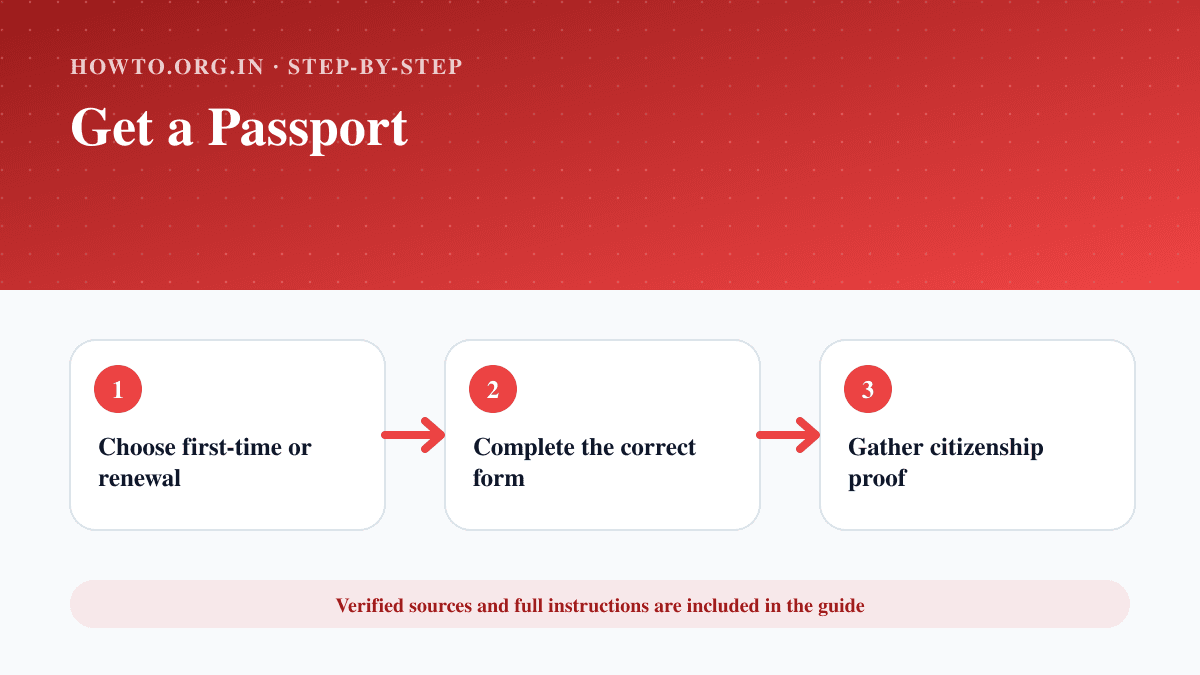
Quick Answer
To get a U.S. passport, confirm whether you need a first-time application or renewal, complete the correct State Department form, gather proof of citizenship and identity, get an acceptable passport photo, calculate fees, submit in person at an acceptance facility if required, and track your application through Travel.gov.
Documents Required
- Correct State Department form
- Proof of U.S. citizenship
- Government photo ID
- Photocopies if required
- Passport photo
- Fees
- Appointment or acceptance facility location
Safety Precautions
- Use only official Travel.gov and State Department resources for current forms, fees, and processing times.
- This guide is general information, not legal advice.
- Do not use unofficial websites that charge unnecessary form fees.
- Check current requirements before applying because rules and fees can change.
Step-by-Step Instructions
- Step 1
Choose first-time or renewal
First-time applicants and many minors usually apply in person; eligible renewals may use mail or online renewal.
- Step 2
Complete the correct form
Use official State Department forms such as DS-11 for many first-time applicants.
- Step 3
Gather citizenship proof
Prepare an eligible birth certificate, naturalization certificate, previous passport, or other accepted proof.
- Step 4
Gather ID
Use an accepted government-issued photo ID and required photocopies.
- Step 5
Get a passport photo
Follow official photo rules for size, background, expression, and recency.
- Step 6
Calculate fees
Check current fees on Travel.gov and bring the accepted payment method.
- Step 7
Submit the application
Apply at a passport acceptance facility, passport agency, by mail, or online renewal if eligible.
- Step 8
Track and receive
Use official tracking and keep delivery details secure.
Practical Example
Example: A first-time adult applicant completes DS-11, brings proof of citizenship, ID, photocopies, photo, and fees to a local post office acceptance facility.
Common Mistakes
- Using outdated forms
- Wrong photo size
- Missing photocopies
- Signing DS-11 too early
- Using unofficial fee pages
- Waiting too close to travel
Troubleshooting
I travel soon
Check Travel.gov for current expedited, urgent, or emergency appointment rules.
My photo was rejected
Retake it using official photo requirements.
I cannot find an appointment
Search nearby acceptance facilities and passport fairs on Travel.gov.
My application status is delayed
Use official status tools and contact the National Passport Information Center if needed.
Sources and Review
Reviewed by Pramod Tiwari, Editor; official-source verification on 2026-08-08.
- Apply for a U.S. Passport — United States Department of State
- U.S. Passport Fee Calculator and Form Guide — United States Department of State
Helpful Internal Links
FAQs
Where do I apply for a passport?
Use Travel.gov to find acceptance facilities, agencies, mail renewal options, and online renewal eligibility.
Can I renew online?
Eligible U.S. citizens may be able to renew online for routine service. Check current Travel.gov rules.
Do children apply the same way?
No. Minors have additional rules, including parental consent requirements.
How long does a passport take?
Processing times change. Always check the current Travel.gov processing page.
Related Guides
How to Plan a Trip
Learn how to plan a trip with destination, budget, dates, documents, transport, accommodation, itinerary, packing, safety, mistakes, and FAQs.
How to Find Cheap Flights
Learn how to find cheap flights with flexible dates, fare alerts, airport comparisons, baggage checks, timing tips, mistakes, troubleshooting, and FAQs.
How to Book a Hotel
Learn how to book a hotel with location, dates, reviews, fees, cancellation rules, payment, confirmation, common mistakes, troubleshooting, and FAQs.
Help us improve this guide
Tell us about an outdated instruction, unclear step, broken link or safety concern. Do not include passwords, account numbers, medical records or other sensitive information.