
How to Improve Core Web Vitals
Measure and improve LCP, INP and CLS using field data, PageSpeed Insights, browser tools and focused performance fixes.
Quick Answer
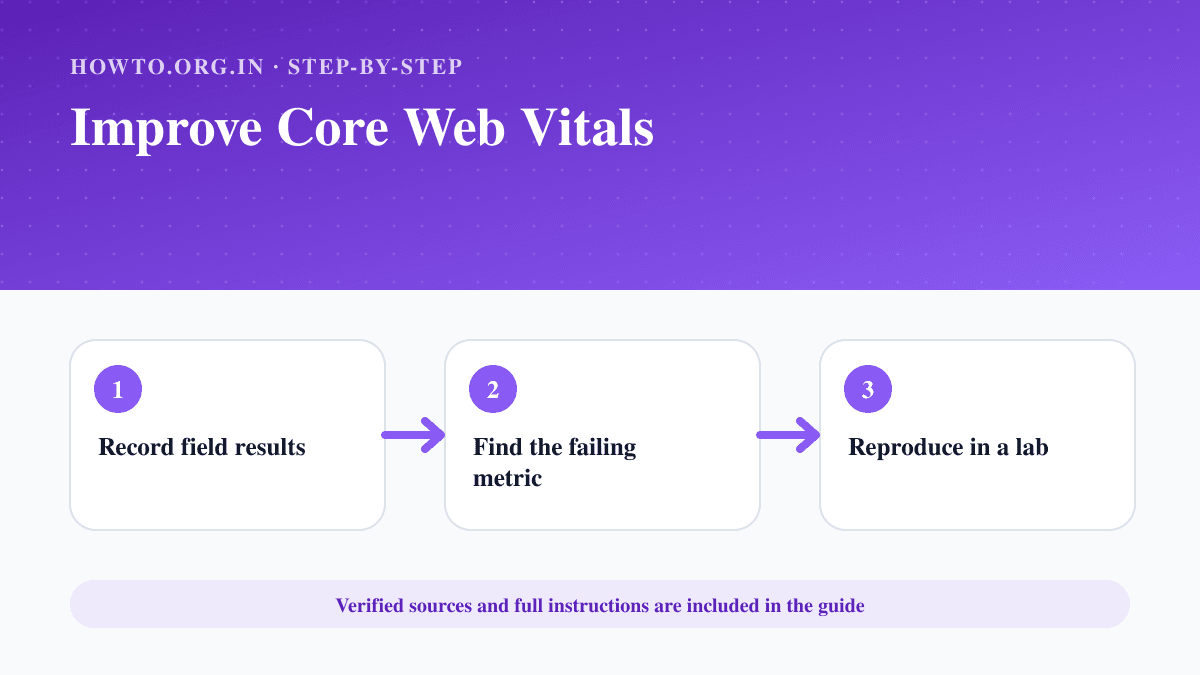
Start with field data from Search Console or the Chrome UX Report, identify the affected page group and metric, reproduce issues with lab tools, then improve the largest content render for LCP, reduce long main-thread work for INP and reserve space for visual elements to control CLS.
What You Need
- Search Console or field-performance data
- PageSpeed Insights or browser developer tools
- Access to application code and hosting
Safety Precautions
- Measure before and after each change.
- Do not remove accessibility or essential functionality for a score.
- Field data updates more slowly than lab tests.
Step-by-Step Instructions
- Step 1
Record field results
Use the Core Web Vitals report or CrUX data to identify failing URL groups.
- Step 2
Find the failing metric
Separate LCP, INP and CLS problems because each needs different fixes.
- Step 3
Reproduce in a lab
Use PageSpeed Insights and browser performance tools on representative pages.
- Step 4
Fix the main cause
Prioritize server and image delivery for LCP, main-thread work for INP and reserved dimensions for CLS.
- Step 5
Test realistic devices
Check mobile networks, slower CPUs and common user flows.
- Step 6
Monitor field recovery
Deploy, watch errors and wait for sufficient new field data.
Practical Example
A guide page improves LCP by preloading the correct hero image, serving it at an appropriate size and reducing blocking work before the main content renders.
Common Mistakes
- Optimizing only a desktop lab score
- Chasing tiny audits before the main cause
- Lazy-loading the LCP image
- Adding dimensions but still injecting content above it
Troubleshooting
Lab scores improve but field data does not
Check whether real users receive the same build and allow time for field-data windows to update.
CLS occurs only after interaction
Record the interaction and find late DOM insertions, font swaps or components without reserved space.
Sources and Review
Reviewed by Pramod Tiwari, Editor; official-source verification on 2026-08-08.
- Understanding Core Web Vitals and Google search results — Google Search Central
Helpful Internal Links
FAQs
What are the current Core Web Vitals?
Google documents LCP, INP and CLS as the Core Web Vitals.
Do good scores guarantee rankings?
No. Page experience is one part of search systems and does not replace relevant, helpful content.
Which data should I trust?
Use field data for real-user status and lab tools for diagnosis.
Related Guides
How to Make a Website Mobile Friendly
Learn how to make a website mobile friendly with responsive layout, readable text, tap targets, images, speed, testing, mistakes, troubleshooting, and FAQs.
How to Set Up Google Search Console
Add a website to Google Search Console, choose a property type, verify ownership and check indexing and performance reports.
How to Create a Website
Learn how to create a website with purpose, domain, hosting, platform, pages, design, SEO basics, launch checklist, mistakes, troubleshooting, and FAQs.
Help us improve this guide
Tell us about an outdated instruction, unclear step, broken link or safety concern. Do not include passwords, account numbers, medical records or other sensitive information.