
How to Set Up Google Search Console
Add a website to Google Search Console, choose a property type, verify ownership and check indexing and performance reports.
Quick Answer
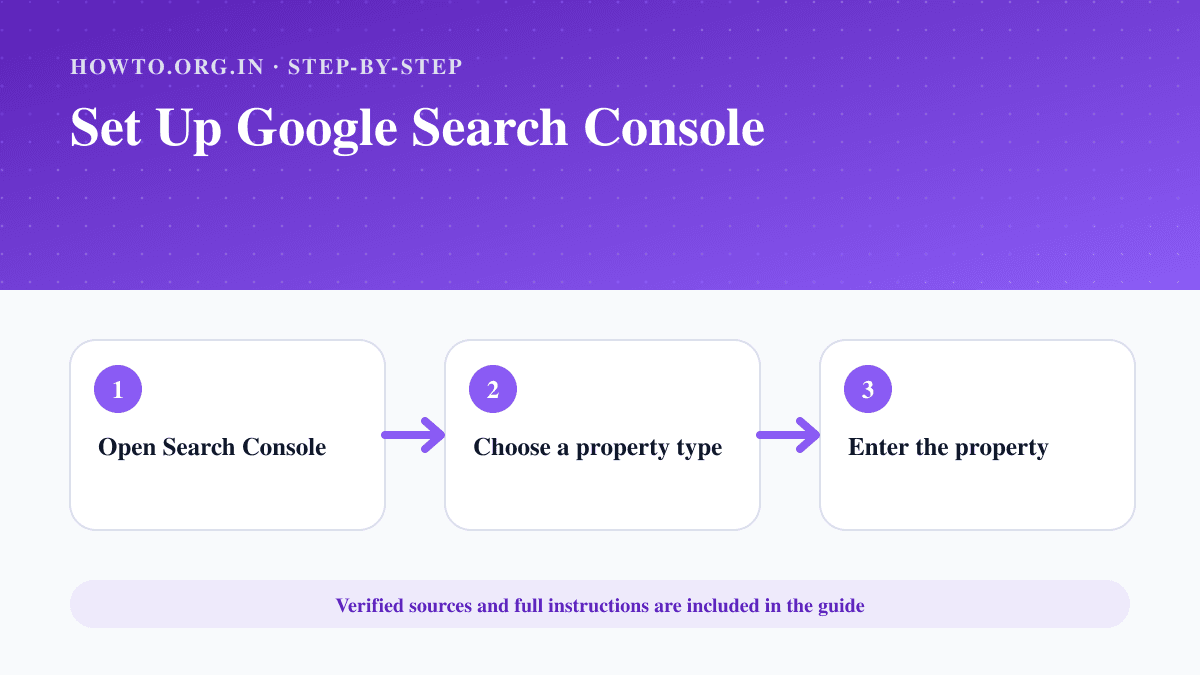
Open Google Search Console, add a Domain property when you can edit DNS or a URL-prefix property for a specific protocol and host, complete the recommended ownership verification, keep the verification record in place and then review indexing, sitemap and performance reports.
What You Need
- Google account
- Website ownership or delegated access
- DNS, hosting or site-code access for verification
Safety Precautions
- Grant the minimum access level needed.
- Do not remove verification records casually.
- Confirm the exact protocol and hostname for URL-prefix properties.
Step-by-Step Instructions
- Step 1
Open Search Console
Sign in at the official Google Search Console.
- Step 2
Choose a property type
Use Domain for all protocols and subdomains, or URL-prefix for one exact prefix.
- Step 3
Enter the property
Type the domain or canonical site URL carefully.
- Step 4
Verify ownership
Add the requested DNS record or use another supported verification method.
- Step 5
Check indexing
Open Pages and URL Inspection to see whether important URLs are discoverable.
- Step 6
Submit and monitor
Add the sitemap and review performance and Core Web Vitals over time.
Practical Example
A site owner adds example.com as a Domain property, publishes the TXT record at the DNS provider and keeps it after verification.
Common Mistakes
- Adding only the wrong URL prefix
- Removing the verification token
- Giving full-owner access unnecessarily
- Expecting data immediately
Troubleshooting
DNS verification fails
Check the record host and value, then allow time for DNS propagation before retrying.
The wrong URLs appear
Confirm canonical URLs, redirects and whether the chosen property covers the active hostname.
Sources and Review
Reviewed by Pramod Tiwari, Editor; official-source verification on 2026-08-08.
- Google Search Console — Google
Helpful Internal Links
FAQs
Is Search Console free?
Google provides Search Console without a subscription fee.
Which property type is better?
Domain is broader; URL-prefix is useful when only one exact prefix can be verified.
Does verification improve rankings?
Verification gives access to reports; it is not itself a ranking boost.
Related Guides
How to Create a Website
Learn how to create a website with purpose, domain, hosting, platform, pages, design, SEO basics, launch checklist, mistakes, troubleshooting, and FAQs.
How to Start a Blog
Learn how to start a blog with a practical SEO-first roadmap covering niche selection, domain, hosting, content planning, launch checklist, monetization, mistakes, and FAQs.
How to Submit a Sitemap to Google
Create or locate an XML sitemap, validate its URLs, publish it and submit the sitemap address in Google Search Console.
Help us improve this guide
Tell us about an outdated instruction, unclear step, broken link or safety concern. Do not include passwords, account numbers, medical records or other sensitive information.