
How to Make a Resume
Learn how to make a resume with the right sections, bullet points, formatting, keywords, common mistakes, troubleshooting, and FAQs.
Quick Answer
To make a resume, choose a clean format, add contact information, write a short summary if useful, list relevant experience with achievement-focused bullets, include skills and education, tailor it to the job, and proofread carefully.
What You Need
- Work history
- Education details
- Skills list
- Job posting
- Resume template or document editor
- Proofreading time
Safety Precautions
- Do not include sensitive personal data like government ID numbers.
- Be truthful about experience and dates.
- Use a professional email address.
- Tailor content without copying the job post word for word.
- Export as PDF unless the employer asks otherwise.
Step-by-Step Instructions
- Step 1
Choose a simple layout
Use readable fonts, clear headings, and consistent spacing.
- Step 2
Add contact details
Include name, phone, email, location, and relevant links.
- Step 3
Match the job
Review the job post and identify required skills.
- Step 4
Write experience bullets
Use action verbs and results where possible.
- Step 5
Add skills and education
List relevant tools, certifications, degrees, or training.
- Step 6
Edit for one to two pages
Keep the resume focused on relevant information.
- Step 7
Proofread and export
Check spelling, dates, links, and formatting before sending.
Practical Example
Example: For a customer support job, you highlight ticketing tools, response time improvements, and clear communication skills.
Common Mistakes
- Using a cluttered design
- Listing duties without results
- Sending the same resume everywhere
- Including private information
- Leaving typos
- Using an unprofessional file name
Troubleshooting
Resume feels too long
Remove old or unrelated details and combine repeated bullets.
No work experience
Use projects, volunteer work, coursework, internships, or transferable skills.
Not getting interviews
Tailor keywords and achievements to each job posting.
Formatting breaks
Export to PDF and test open the file before sending.
Helpful Internal Links
FAQs
How long should a resume be?
One page is common for early careers; two pages can work for more experience.
Should I include a photo?
Usually no, unless it is expected in your region or industry.
What file type should I send?
PDF is usually safest unless the employer requests another format.
Do I need a summary?
A brief summary can help if it is specific and relevant.
Related Guides
How to Ask for a Letter of Recommendation
Learn how to ask for a letter of recommendation with timing, what to include, email example, mistakes, troubleshooting, and FAQs.
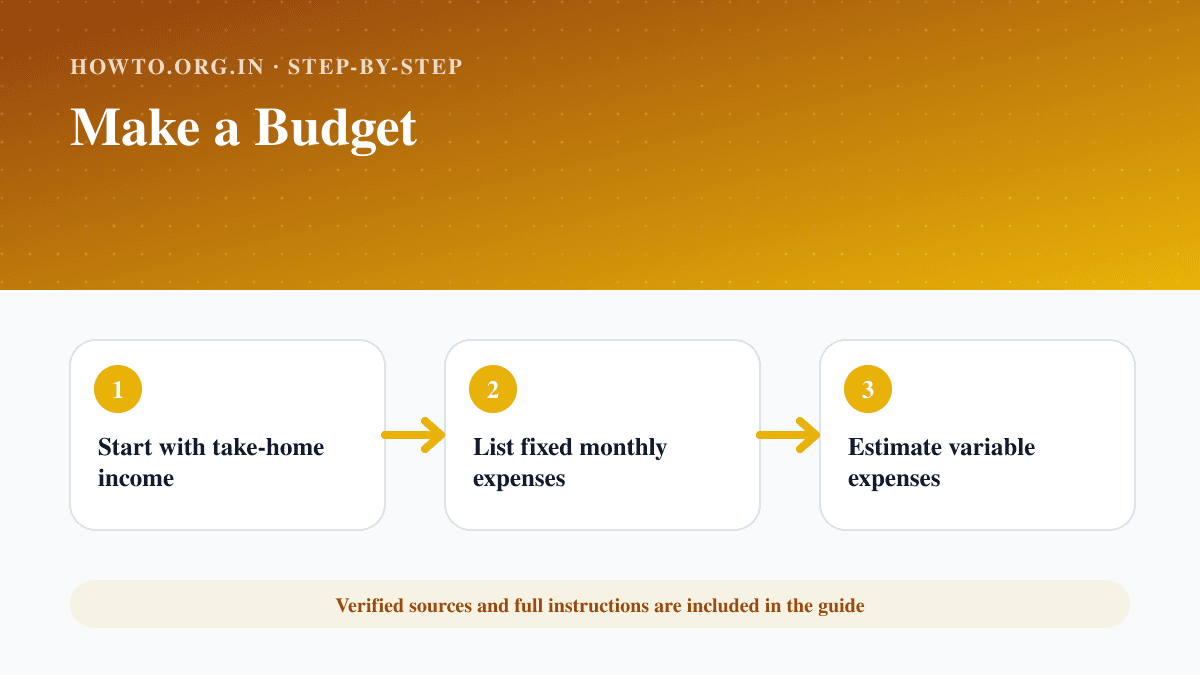
How to Make a Budget
Learn how to make a personal or household budget with income, expenses, the 50/30/20 rule, zero-based budgeting, a monthly example, mistakes, troubleshooting, and FAQs.
How to Make a Resume for First Job
Learn how to make a first-job resume using school, projects, volunteering, skills, a simple structure, mistakes, troubleshooting, and FAQs.
Help us improve this guide
Tell us about an outdated instruction, unclear step, broken link or safety concern. Do not include passwords, account numbers, medical records or other sensitive information.