
How to Mount TV on Wall
Learn how to mount a TV on the wall safely with stud finding, mount choice, drilling, leveling, cable planning, mistakes, troubleshooting, and FAQs.
Quick Answer
To mount a TV on the wall, choose a mount rated for your TV size and weight, find wall studs, mark level holes, drill pilot holes, bolt the bracket into studs, attach TV rails, lift the TV with help, secure it to the bracket, and check stability.
Tools and Materials
- TV wall mount
- Stud finder
- Level
- Drill
- Socket or wrench
- Tape measure
- Pencil
- Helper
- Cable covers optional
Safety Precautions
- Use a mount rated for your TV size and weight.
- Anchor into studs or use a wall system specifically rated for the load.
- CPSC encourages anchoring TVs and furniture to reduce tip-over hazards.
- Check for electrical wires or plumbing before drilling.
- Have a helper lift heavy TVs.
- Use proper in-wall rated cable solutions if hiding cables.
Step-by-Step Instructions
- Step 1
Choose correct mount
Match VESA pattern, TV size, TV weight, and wall type.
- Step 2
Plan height
Choose a comfortable viewing height and account for seating.
- Step 3
Find studs
Use a stud finder and confirm stud centers.
- Step 4
Mark holes level
Hold the bracket level and mark pilot holes.
- Step 5
Drill pilot holes
Drill into studs using the size in the mount instructions.
- Step 6
Bolt bracket
Secure the wall bracket with included lag bolts or approved hardware.
- Step 7
Hang TV with help
Attach rails to the TV, lift with a helper, hook onto bracket, and lock safety screws.
- Step 8
Manage cables
Route cables safely and test TV angle and stability.
Practical Example
Example: You use a full-motion mount rated for your 55-inch TV, find two studs, bolt the bracket level, and have another person help lift and lock the TV.
Common Mistakes
- Using drywall anchors alone for a heavy TV
- Skipping stud confirmation
- Mounting too high
- Using wrong screws in TV back
- Hiding power cord improperly inside wall
- Lifting TV alone
Troubleshooting
Bracket is not level
Loosen, adjust if slots allow, or remount using level marks.
Studs do not align with desired center
Use a mount with wide bracket slots or a properly secured mounting board.
TV tilts forward
Check rail hooks, lock screws, and mount weight rating.
Cables look messy
Use surface cable raceways or code-compliant in-wall kits.
Helpful Internal Links
FAQs
Can I mount a TV without studs?
Only with a wall system and anchors specifically rated for the TV and wall type; studs are preferred for most installs.
How high should a TV be mounted?
A common goal is eye level from the main seating position, adjusted for room and TV size.
Can I hide power cables in the wall?
Use code-compliant in-wall power kits or hire an electrician.
Do I need a helper?
Yes for most medium and large TVs.
Related Guides
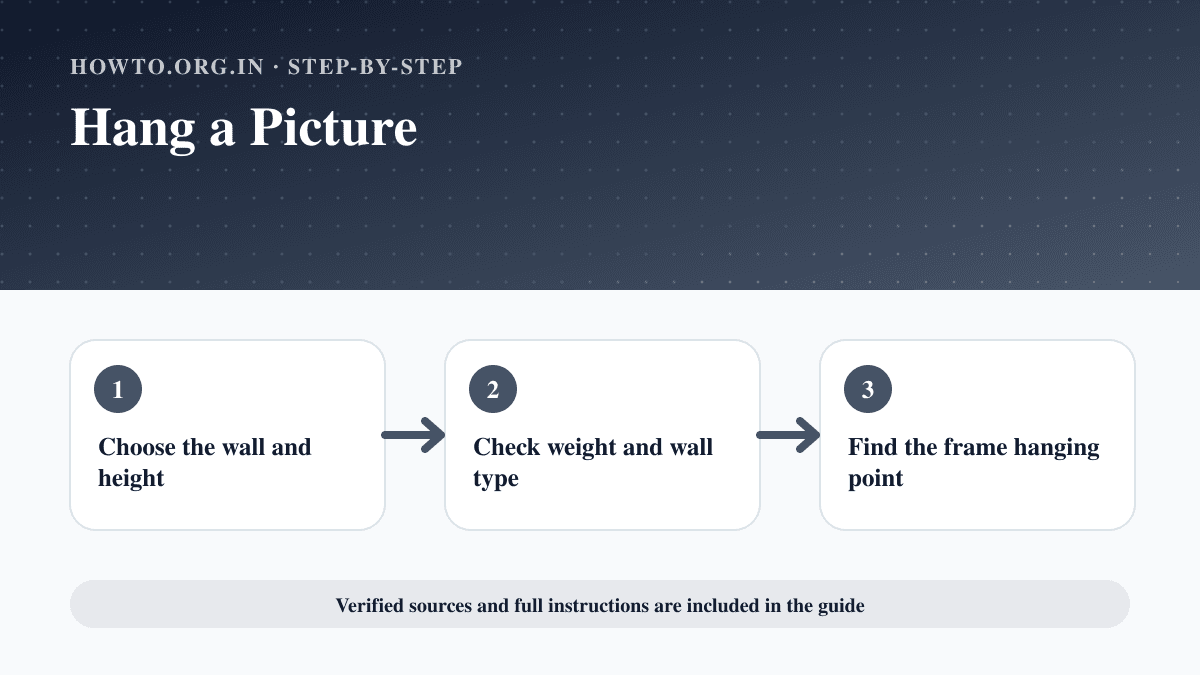
How to Hang a Picture
Learn how to hang a picture with measuring, wall type, anchors, hooks, level checks, spacing, common mistakes, troubleshooting, and FAQs.
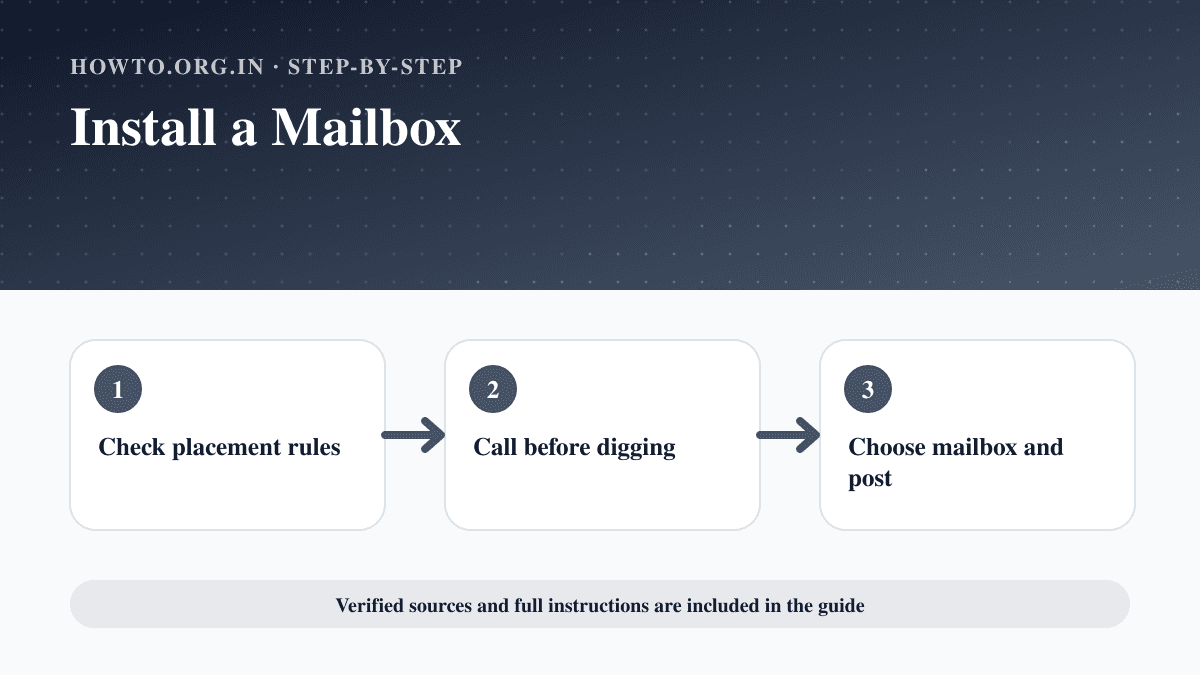
How to Install a Mailbox
Learn how to install a curbside mailbox with USPS placement rules, post hole steps, concrete, alignment, safety checks, mistakes, and troubleshooting.
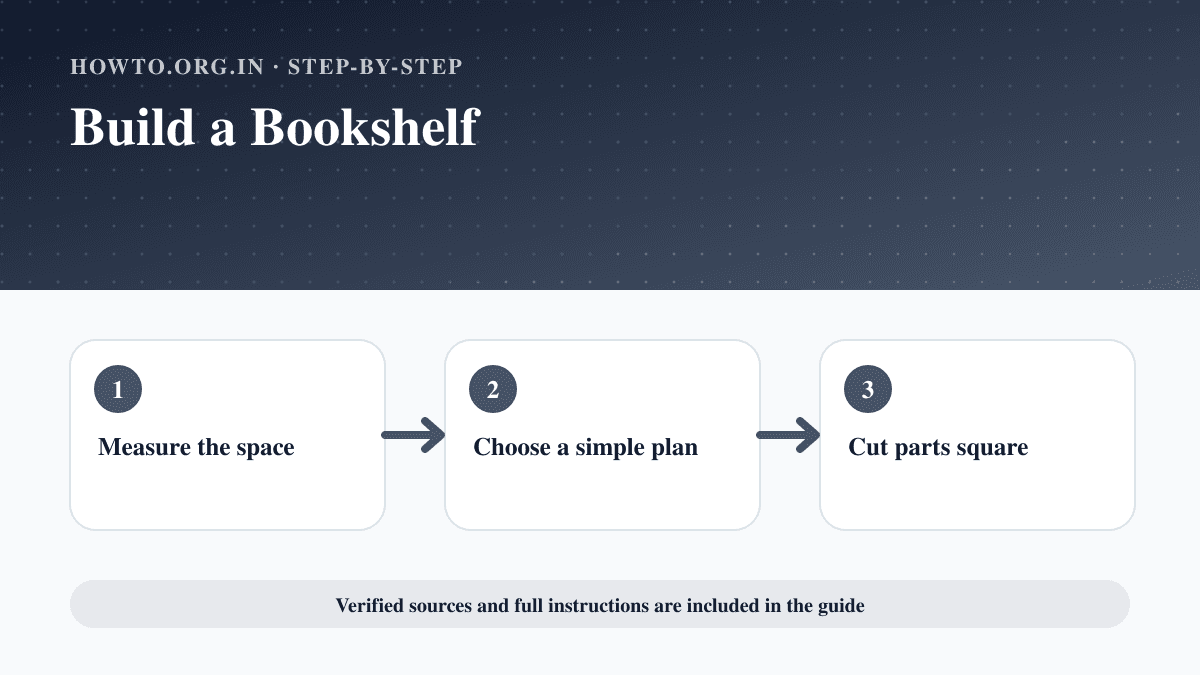
How to Build a Bookshelf
Learn how to build a bookshelf with measurements, lumber, cuts, assembly, squaring, sanding, anchoring, mistakes, troubleshooting, and FAQs.
Help us improve this guide
Tell us about an outdated instruction, unclear step, broken link or safety concern. Do not include passwords, account numbers, medical records or other sensitive information.