
How to Register for Udyam Online
Use the official Government of India Udyam portal to complete free, paperless MSME registration and download the certificate.
Quick Answer
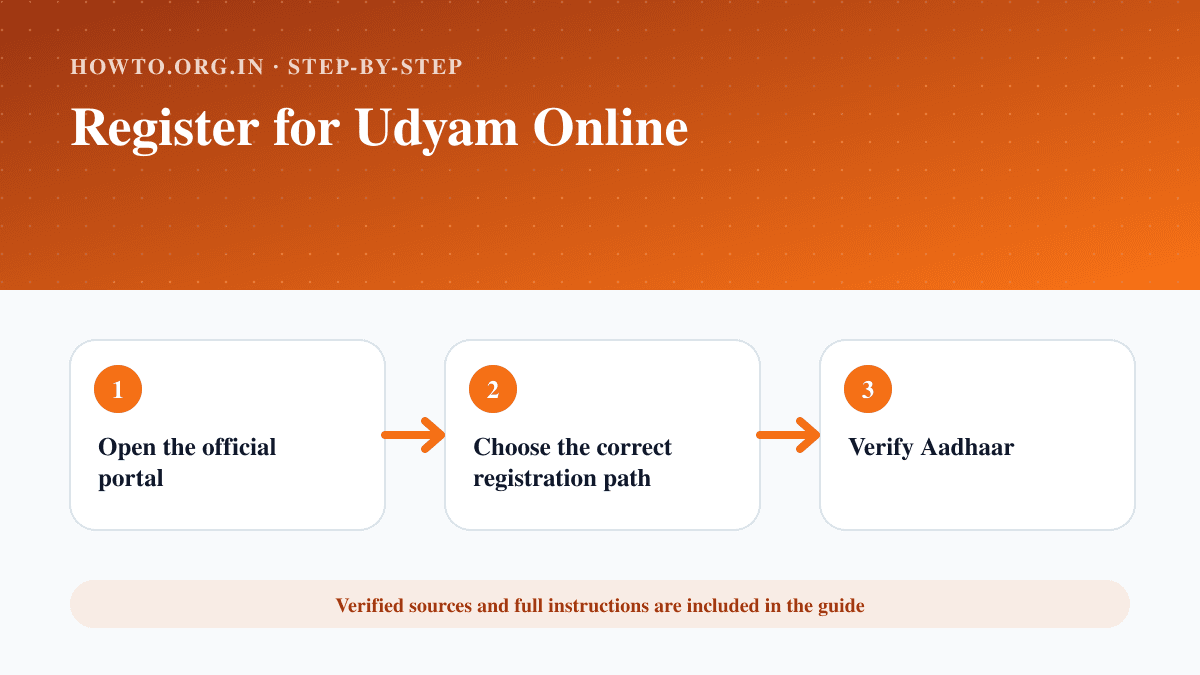
Use only udyamregistration.gov.in, choose the correct new-registration path, enter Aadhaar and the requested PAN or GST-linked business details, verify each declaration, submit through the official OTP flow and save the permanent Udyam Registration Number and certificate.
What You Need
- Aadhaar of the eligible proprietor or authorised person
- PAN and GSTIN where applicable
- Business activity and contact details
Safety Precautions
- The official portal states registration is free.
- Do not pay unofficial agents or share OTPs.
- Use truthful self-declared information.
- Confirm current enterprise classification rules.
Step-by-Step Instructions
- Step 1
Open the official portal
Confirm the address is udyamregistration.gov.in.
- Step 2
Choose the correct registration path
Select the option for a new enterprise unless migrating an older registration.
- Step 3
Verify Aadhaar
Enter the authorised person’s Aadhaar details and complete OTP verification.
- Step 4
Provide PAN and enterprise information
Enter business structure, activity, address, bank and employment details requested by the portal.
- Step 5
Review declarations
Check spelling, classification and linked tax details before submission.
- Step 6
Save the certificate
Record the permanent number and download the QR-coded certificate.
Practical Example
A sole proprietor uses the official portal, verifies Aadhaar, supplies PAN-linked enterprise details and downloads the no-fee certificate.
Common Mistakes
- Paying a look-alike portal
- Using the wrong registration path
- Entering inconsistent PAN or business details
- Losing the permanent registration number
Troubleshooting
Aadhaar OTP fails
Check the linked mobile number and use only the portal’s official support path.
PAN details do not validate
Confirm the legal name and organisation type match the tax record.
Sources and Review
Reviewed by Pramod Tiwari, Editor; official-source verification on 2026-08-08.
- Udyam Registration Portal — Ministry of Micro, Small and Medium Enterprises, Government of India
Helpful Internal Links
FAQs
Is Udyam registration free?
The official portal states that registration is free.
Does it need renewal?
The official portal states that the permanent registration does not require renewal.
Are document uploads always required?
The portal describes a paperless self-declaration process, but follow the current form shown.
Related Guides
How to Start a Business
Learn how to start a business with idea validation, market research, business plan, costs, structure, registration, banking, launch steps, mistakes, and FAQs.
How to Write a Business Plan
Learn how to write a business plan with executive summary, market, offer, customers, operations, marketing, finances, mistakes, troubleshooting, and FAQs.
How to Create Invoices
Learn how to create professional invoices with required details, line items, payment terms, a simple example, GST note for Indian users, common mistakes, troubleshooting, and FAQs.
Help us improve this guide
Tell us about an outdated instruction, unclear step, broken link or safety concern. Do not include passwords, account numbers, medical records or other sensitive information.