
How to Submit a Sitemap to Google
Create or locate an XML sitemap, validate its URLs, publish it and submit the sitemap address in Google Search Console.
Quick Answer
Publish an XML sitemap containing canonical indexable URLs, make it accessible to Googlebot, reference it in robots.txt if useful, open the verified Search Console property, enter the sitemap path in the Sitemaps report and monitor processing errors.
What You Need
- Published XML sitemap
- Verified Search Console property
- Access to fix URL or server errors
Safety Precautions
- Include canonical indexable URLs only.
- Do not expose private or staging URLs.
- A submitted sitemap does not guarantee indexing.
Step-by-Step Instructions
- Step 1
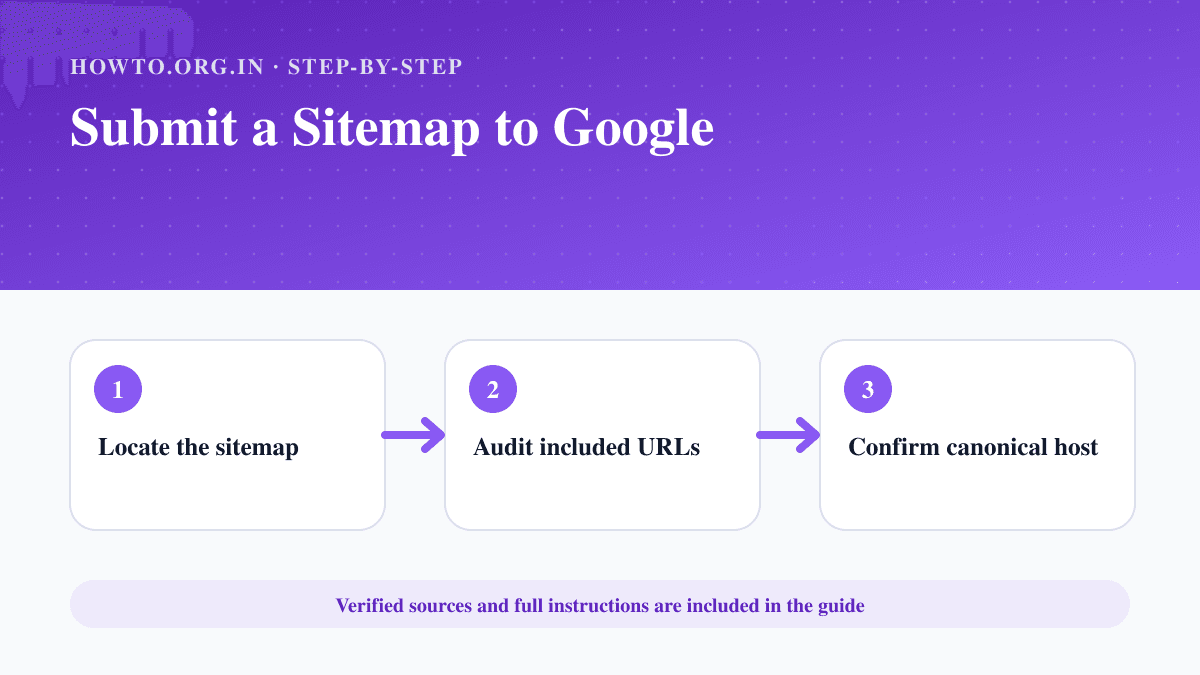
Locate the sitemap
Open the sitemap URL and confirm it returns XML successfully.
- Step 2
Audit included URLs
Remove redirects, errors, duplicates, private pages and intentionally non-indexable URLs.
- Step 3
Confirm canonical host
Use the same HTTPS hostname that the site declares as canonical.
- Step 4
Open the Sitemaps report
Choose the correct verified Search Console property.
- Step 5
Submit the path
Enter the sitemap URL or path and submit it.
- Step 6
Monitor processing
Review discovered URLs and errors after Google fetches the file.
Practical Example
A Next.js site publishes /sitemap.xml, checks that all entries are canonical and submits sitemap.xml in the matching Domain property.
Common Mistakes
- Submitting a sitemap from another hostname
- Including redirected URLs
- Assuming submission forces indexing
- Ignoring fetch errors
Troubleshooting
Search Console cannot fetch it
Check the HTTP status, robots rules, XML syntax and public accessibility.
Few URLs are indexed
Use Page indexing and URL Inspection to diagnose quality, duplication or crawl issues.
Sources and Review
Reviewed by Pramod Tiwari, Editor; official-source verification on 2026-08-08.
- Build and submit a sitemap — Google Search Central
- Google Search Console — Google
Helpful Internal Links
FAQs
Should the sitemap be in robots.txt?
It can be referenced there, although direct Search Console submission is also supported.
How often should I resubmit?
Normally update the same sitemap automatically; resubmit after major configuration changes if needed.
Can a sitemap contain noindex URLs?
It should contain canonical URLs that you want indexed.
Related Guides
How to Set Up Google Search Console
Add a website to Google Search Console, choose a property type, verify ownership and check indexing and performance reports.
How to Create a Website
Learn how to create a website with purpose, domain, hosting, platform, pages, design, SEO basics, launch checklist, mistakes, troubleshooting, and FAQs.
How to Start a Blog
Learn how to start a blog with a practical SEO-first roadmap covering niche selection, domain, hosting, content planning, launch checklist, monetization, mistakes, and FAQs.
Help us improve this guide
Tell us about an outdated instruction, unclear step, broken link or safety concern. Do not include passwords, account numbers, medical records or other sensitive information.