
How to Verify Email Address
Learn how to verify an email address with confirmation links, typo checks, domain checks, test messages, business verification tools, mistakes, and FAQs.
Quick Answer
To verify an email address, check the spelling, confirm the domain looks legitimate, use a confirmation email for account ownership, avoid clicking suspicious links, and for business lists use reputable email verification tools with consent and privacy rules in mind.
What You Need
- Email address to verify
- Access to inbox if verifying ownership
- Confirmation email
- Domain or company context
- Email verification tool optional
Safety Precautions
- Do not click verification links from suspicious emails.
- Never share passwords or one-time codes to prove email ownership.
- Do not scrape or spam addresses.
- Follow privacy, consent, and anti-spam rules for marketing lists.
- Treat email verification tools as data processors and review their privacy terms.
Step-by-Step Instructions
- Step 1
Check spelling
Look for missing letters, extra dots, wrong domain, or common typos.
- Step 2
Check domain
Make sure the domain matches the person or organization you expect.
- Step 3
Send confirmation
For account signup, send a verification link or code to the inbox.
- Step 4
Confirm ownership
Ask the user to click the link or enter the code, not send you their password.
- Step 5
Use tools for lists
For business lists, use a reputable verifier to flag invalid or risky addresses.
- Step 6
Remove bad addresses
Clean bounced, mistyped, or unconfirmed addresses from your list.
- Step 7
Document consent
Keep proof that recipients asked to receive messages when relevant.
Practical Example
Example: A newsletter signup enters name@gmial.com. You catch the typo before sending, ask the user to correct it, and verify the final address with a confirmation email.
Common Mistakes
- Trusting spelling only
- Asking for passwords
- Clicking phishing links
- Buying email lists
- Ignoring consent
- Keeping hard-bounce addresses
Troubleshooting
Verification email not received
Check spam, spelling, email server delays, and resend after a short wait.
Domain looks suspicious
Confirm through an official website or known contact method.
Tool says risky
Use double opt-in or remove the address from nonessential campaigns.
User cannot click link
Offer a short code entry option with expiration.
Helpful Internal Links
FAQs
Can I verify if an email exists without sending?
Some tools estimate this, but results are not perfect and privacy rules still matter.
What is double opt-in?
It asks a person to confirm signup through an email link or code.
Is email verification the same as identity verification?
No, it only helps confirm control or validity of an inbox.
Should I click any verification email?
Only click links you expected and trust; otherwise go directly to the official website.
Related Guides
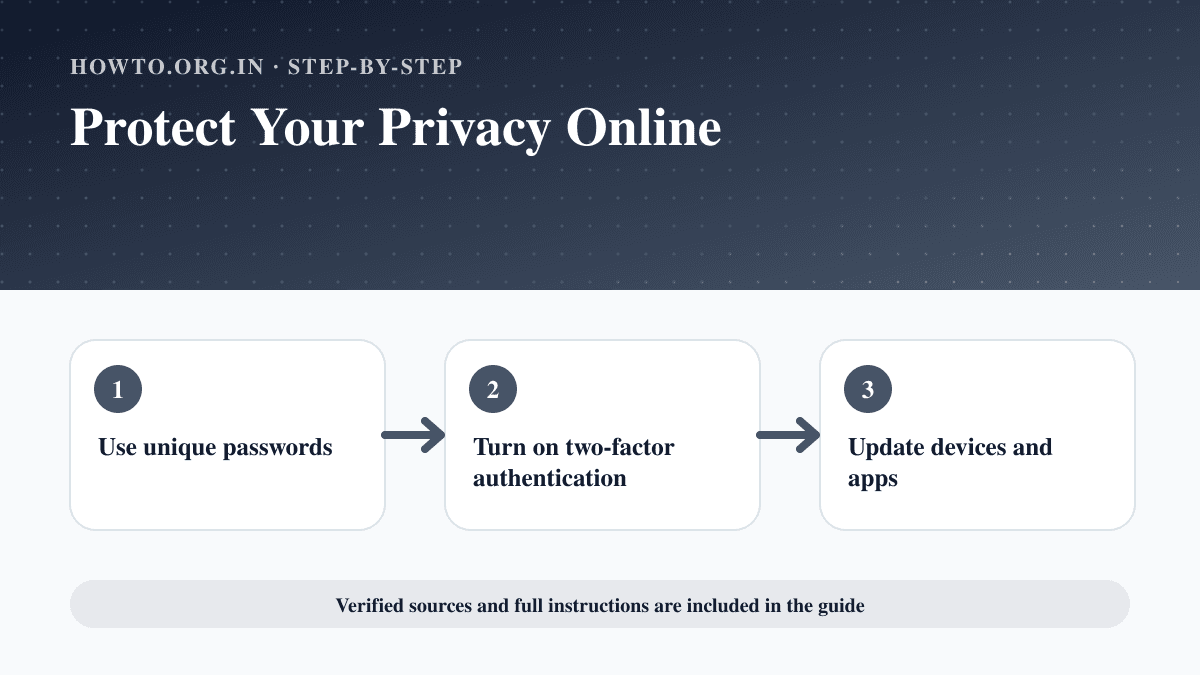
How to Protect Your Privacy Online
Learn practical ways to protect your privacy online with passwords, app permissions, location settings, updates, browsers, data sharing, mistakes, and FAQs.
How to Use Google Docs
Learn how to use Google Docs with creating documents, formatting, sharing, comments, version history, offline mode, mistakes, troubleshooting, and FAQs.
How to Create Invoices
Learn how to create professional invoices with required details, line items, payment terms, a simple example, GST note for Indian users, common mistakes, troubleshooting, and FAQs.
Help us improve this guide
Tell us about an outdated instruction, unclear step, broken link or safety concern. Do not include passwords, account numbers, medical records or other sensitive information.