
How to Check an EPF Balance Online
Check an EPF passbook and claim status through the official EPFO service using a UAN and secure login.
Quick Answer
Open the official EPFO Member Passbook service, sign in with the UAN credentials requested by EPFO, select the relevant member ID and review employee, employer and pension entries. Never disclose an OTP, Aadhaar, PAN, bank details or payment to a caller.
What You Need
- Activated UAN
- EPFO login credentials
- Access to the registered mobile number
- Member ID for the employment record
Safety Precautions
- Use epfindia.gov.in or its official passbook subdomain.
- EPFO warns users not to share personal details or make payments to callers.
- Sign out on shared devices.
- Report discrepancies through official channels.
Step-by-Step Instructions
- Step 1
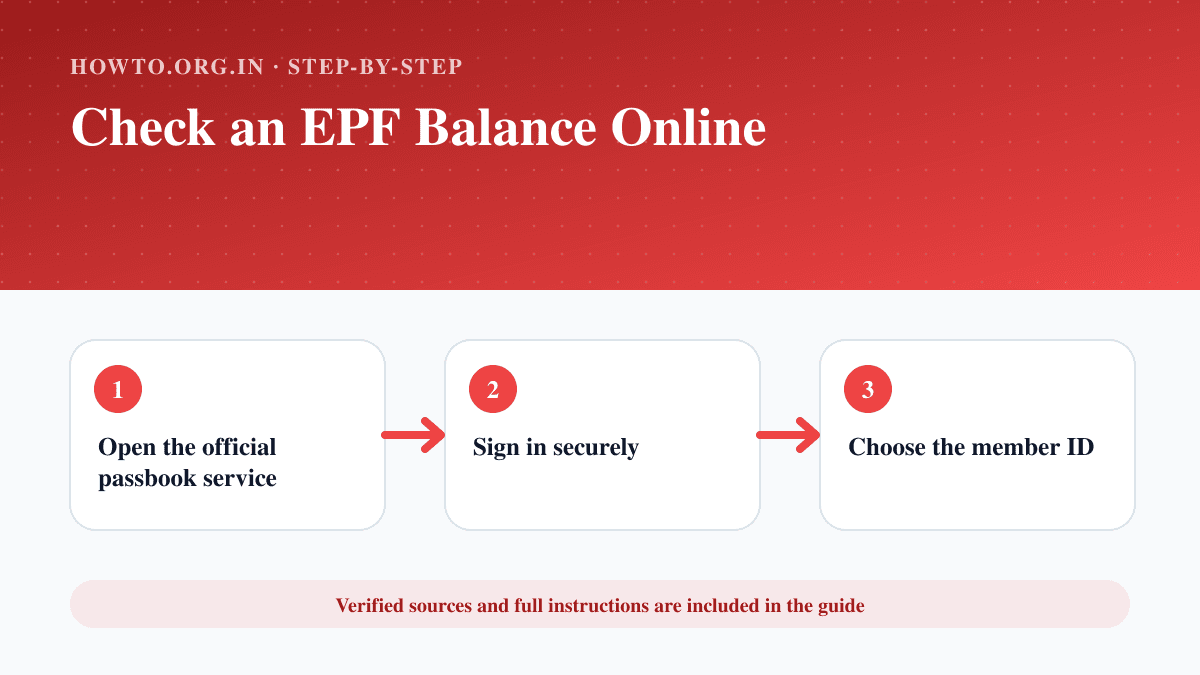
Open the official passbook service
Start from EPFO and follow its Member Passbook link.
- Step 2
Sign in securely
Enter UAN, password and the displayed security code.
- Step 3
Choose the member ID
Select the employment record whose contributions you want to review.
- Step 4
Review contribution entries
Check employee, employer and pension columns and note the most recent posted month.
- Step 5
Download a copy if needed
Save or print the passbook only on a trusted device.
- Step 6
Report missing entries
Compare payslips and contact the employer or EPFO through official support if contributions are absent.
Practical Example
A member signs in to the EPFO passbook, chooses the current employer member ID and compares posted contributions with recent payslips.
Common Mistakes
- Using an unofficial balance-check website
- Sharing UAN credentials or OTP
- Selecting an old member ID
- Treating delayed posting as a final balance error
Troubleshooting
The passbook does not show recent contributions
Allow for posting delay, compare payslips and contact the employer or EPFO if the gap persists.
Login fails
Use official UAN/password recovery and confirm the account is activated.
Sources and Review
Reviewed by Pramod Tiwari, Editor; official-source verification on 2026-08-08.
- EPF Passbook and Claim Status — Employees' Provident Fund Organisation
Helpful Internal Links
FAQs
Can I use a missed call or SMS?
The official EPFO passbook page lists supported balance-enquiry methods; verify the current numbers there.
Why are there multiple member IDs?
Different employments can create separate member records under the UAN.
Should anyone ask me to pay to release EPF?
No. EPFO warns users not to make payments based on such calls.
Related Guides
How to Protect Your Privacy Online
Learn practical ways to protect your privacy online with passwords, app permissions, location settings, updates, browsers, data sharing, mistakes, and FAQs.
How to Apply for a Voter ID Online in India
Use the Election Commission of India’s voter portal to submit Form 6, upload supporting details and track a new voter registration.
How to Download an Aadhaar Card Online
Download an e-Aadhaar from the official MyAadhaar service using Aadhaar, enrolment ID or VID, then verify and store the PDF safely.
Help us improve this guide
Tell us about an outdated instruction, unclear step, broken link or safety concern. Do not include passwords, account numbers, medical records or other sensitive information.