
How to Download an Aadhaar Card Online
Download an e-Aadhaar from the official MyAadhaar service using Aadhaar, enrolment ID or VID, then verify and store the PDF safely.
Quick Answer
Use only the official MyAadhaar service linked by UIDAI, choose Aadhaar number, enrolment ID or VID, request the OTP sent to the registered mobile number, download the password-protected PDF, and verify the digital signature before sharing it.
What You Need
- Aadhaar number, enrolment ID or VID
- Access to the registered mobile number
- A private device and secure internet connection
Safety Precautions
- Use only uidai.gov.in or myaadhaar.uidai.gov.in.
- Never share an OTP or pay an unknown agent.
- Mask the Aadhaar number when a full number is unnecessary.
- Store the downloaded PDF securely.
Step-by-Step Instructions
- Step 1
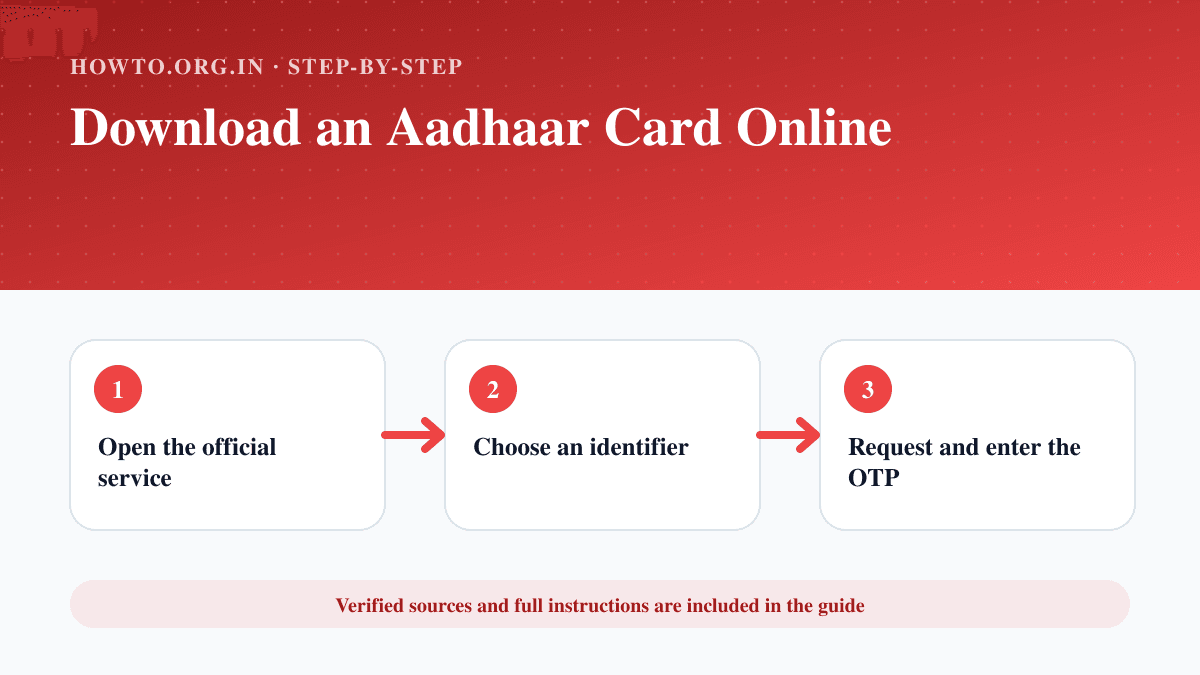
Open the official service
Start from UIDAI and follow its Download Aadhaar link to MyAadhaar.
- Step 2
Choose an identifier
Select Aadhaar number, enrolment ID or VID and enter the requested details.
- Step 3
Request and enter the OTP
Use the OTP delivered to the mobile number registered with Aadhaar.
- Step 4
Download the e-Aadhaar
Save the password-protected PDF to a private folder.
- Step 5
Open and verify the file
Use the password format described by UIDAI and check that the PDF shows a valid UIDAI digital signature.
- Step 6
Share only when necessary
Use a masked copy where accepted and avoid sending identity documents through insecure channels.
Practical Example
A user opens UIDAI, follows the MyAadhaar download link, verifies with the registered mobile OTP and saves the signed PDF in an encrypted folder.
Common Mistakes
- Using a sponsored or look-alike website
- Sharing the OTP with another person
- Saving the PDF on a public computer
- Sending an unmasked copy unnecessarily
Troubleshooting
The OTP does not arrive
Confirm the mobile number is registered with Aadhaar, wait briefly and retry through the official portal.
The PDF password does not work
Follow the current password format shown by UIDAI and enter the name characters exactly as recorded.
Sources and Review
Reviewed by Pramod Tiwari, Editor; official-source verification on 2026-08-08.
- E-Aadhaar FAQs — Unique Identification Authority of India
Helpful Internal Links
FAQs
Is e-Aadhaar valid?
UIDAI states that e-Aadhaar is valid like the physical copy.
Can I download without my Aadhaar number?
UIDAI supports enrolment ID or VID options where available.
Should I use a third-party app?
No. Start from UIDAI or use the official mAadhaar app.
Related Guides
How to Get a Passport
Learn how to get a U.S. passport with eligibility, forms, documents, photo, fees, acceptance facilities, tracking, mistakes, and FAQs.
How to Protect Your Privacy Online
Learn practical ways to protect your privacy online with passwords, app permissions, location settings, updates, browsers, data sharing, mistakes, and FAQs.
How to Link PAN with Aadhaar Online
Check PAN–Aadhaar status and use the official Income Tax e-Filing portal to complete linking when eligible.
Help us improve this guide
Tell us about an outdated instruction, unclear step, broken link or safety concern. Do not include passwords, account numbers, medical records or other sensitive information.