
How to Deactivate Instagram
Learn how to deactivate Instagram from Accounts Center, what temporary deactivation means, how it differs from deletion, privacy checks, mistakes, and FAQs.
Quick Answer
To deactivate Instagram, open Instagram settings, go to Accounts Center, choose Personal details, Account ownership and control, then Deactivation or deletion. Select the Instagram profile, choose Deactivate account, follow the prompts, and confirm. Deactivation is temporary; deletion is permanent after the waiting period.
What You Need
- Instagram login
- Access to email or phone
- Password
- Accounts Center access
- Decision between deactivate and delete
- Optional data download
Safety Precautions
- Do not confuse temporary deactivation with permanent deletion.
- Avoid unofficial account-help websites.
- If you manage business or creator assets, check access before deactivating.
- Logging back in can reactivate the account.
Privacy and Safety Notes
- Download important photos, videos, and messages before major account changes.
- Deactivation hides your profile but may not remove all past messages from recipients.
- Use only official Instagram or Meta pages.
- Review connected Meta accounts before confirming.
Step-by-Step Instructions
- Step 1
Open Instagram settings
Sign in to the account you want to deactivate.
- Step 2
Go to Accounts Center
Open Settings and privacy, then Accounts Center.
- Step 3
Open account ownership
Choose Personal details, then Account ownership and control.
- Step 4
Choose deactivation or deletion
Select Deactivation or deletion and pick the Instagram profile.
- Step 5
Select deactivate account
Choose deactivation if you want a temporary break.
- Step 6
Confirm with password
Follow the prompts, choose a reason if asked, and confirm.
- Step 7
Stay signed out
Avoid logging back in unless you want to reactivate.
Practical Example
Example: You want a break from Instagram. You download your photos, check business access, choose Deactivate account in Accounts Center, and stay signed out.
Common Mistakes
- Choosing deletion by mistake
- Not downloading data
- Logging back in immediately
- Forgetting business account access
- Using unofficial support pages
- Assuming DMs disappear for everyone
Troubleshooting
I cannot find deactivation
Look in Accounts Center under Personal details and Account ownership and control.
My account reactivated
Logging in can reactivate it. Stay signed out.
I forgot the password
Use Instagrams official account recovery first.
I manage a business account
Transfer or document access before changing account status.
Helpful Internal Links
FAQs
Is deactivating Instagram permanent?
No. Deactivation is temporary; deletion is the permanent path.
Can I reactivate Instagram?
Yes, usually by logging back in.
Can people see my profile after deactivation?
Your profile is generally hidden while deactivated.
Should I download my data first?
Yes if you want a copy of posts, photos, or other account history.
Related Guides
How to Use Instagram
Learn how to use Instagram with account setup, posting, Reels, Stories, privacy settings, safety tips, common mistakes, troubleshooting, and FAQs.
How to Deactivate Facebook
Learn how to deactivate Facebook using Accounts Center, what deactivation means, how it differs from deletion, privacy checks, mistakes, and FAQs.
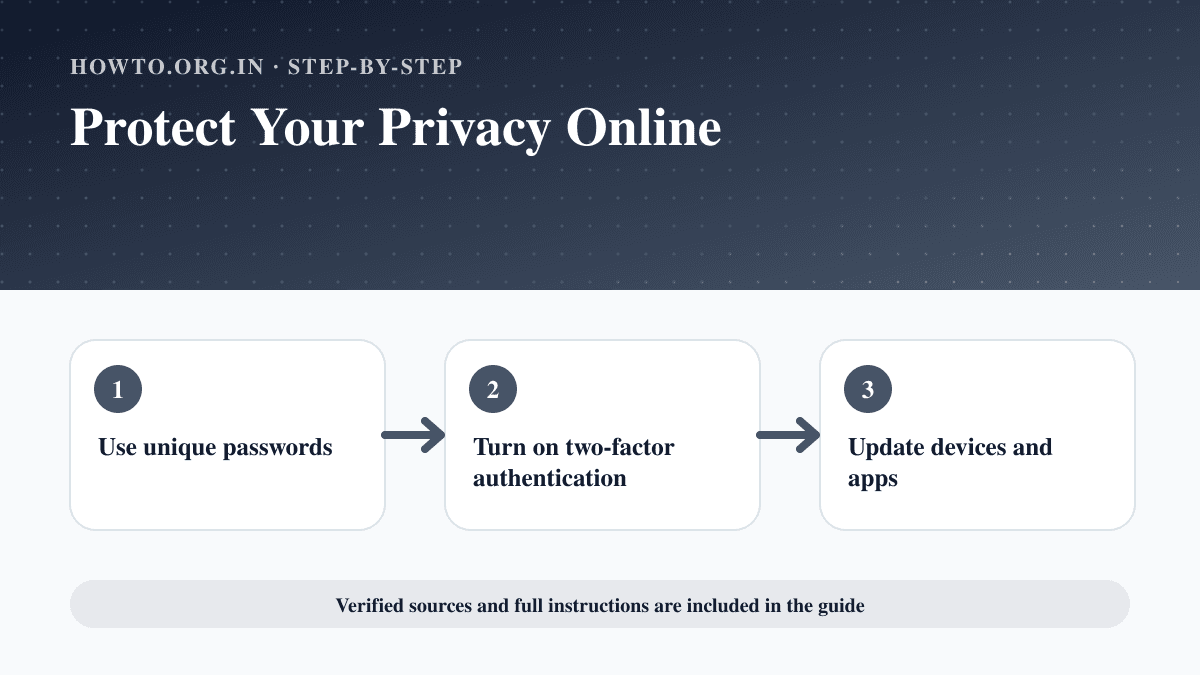
How to Protect Your Privacy Online
Learn practical ways to protect your privacy online with passwords, app permissions, location settings, updates, browsers, data sharing, mistakes, and FAQs.
Help us improve this guide
Tell us about an outdated instruction, unclear step, broken link or safety concern. Do not include passwords, account numbers, medical records or other sensitive information.