
How to Register for GST Online
Prepare and submit a GST registration application through the official GST portal, then track ARN status and respond to notices.
Quick Answer
First confirm whether GST registration is required or voluntary for the business, gather PAN, constitution, address, bank and authorised-signatory evidence, start a new registration on gst.gov.in, verify the temporary reference number, complete the application and track the ARN.
What You Need
- PAN and legal business details
- Email and mobile access
- Principal-place and constitution evidence
- Authorised-signatory details
- Bank information where requested
Safety Precautions
- Tax thresholds and rules can change.
- Use gst.gov.in and official tutorials.
- Do not submit guessed classification or jurisdiction details.
- Use a qualified GST professional for uncertain obligations.
Step-by-Step Instructions
- Step 1
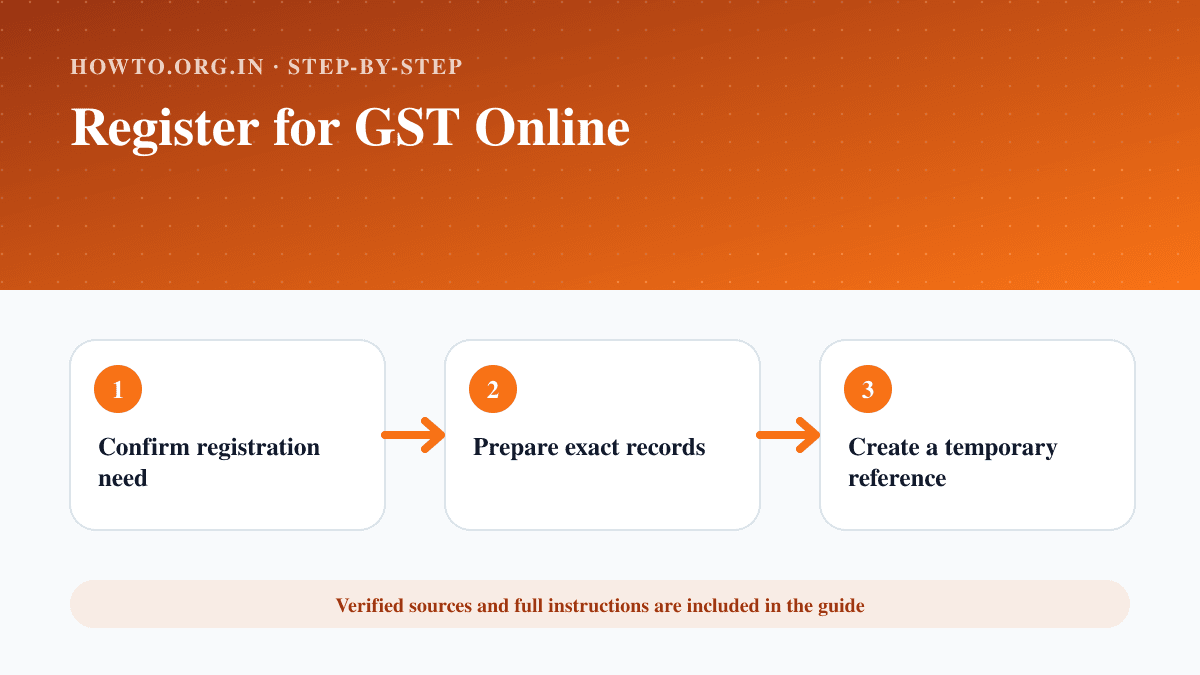
Confirm registration need
Check current GST law, turnover, supply type and special-category rules.
- Step 2
Prepare exact records
Match PAN, legal name, constitution, addresses and authorised people.
- Step 3
Create a temporary reference
Open New Registration on the GST portal and verify contact details.
- Step 4
Complete the application
Use the TRN to add business, promoter, place, goods/services and bank information.
- Step 5
Authenticate and submit
Review the declaration and use the authentication method required for the applicant type.
- Step 6
Track the ARN
Save the application reference and respond promptly to official clarification notices.
Practical Example
A small company confirms its obligation with an adviser, prepares consistent PAN and address records, submits REG-01 and tracks the ARN.
Common Mistakes
- Registering without checking applicability
- Using mismatched legal names
- Choosing incorrect jurisdiction or business activity
- Ignoring clarification notices
Troubleshooting
The PAN name does not match
Use the exact tax-record name and correct the underlying record if necessary.
The application needs clarification
Read the official notice, gather precise evidence and respond within the stated time.
Sources and Review
Reviewed by Pramod Tiwari, Editor; official-source verification on 2026-08-08.
- GST registration user guide — Goods and Services Tax Network
Helpful Internal Links
FAQs
Is GST registration always mandatory?
No. Applicability depends on current law, turnover, activity and other conditions.
Where should I apply?
Use the official GST portal at gst.gov.in.
What is an ARN?
It is the application reference used to track the submitted registration.
Related Guides
How to Start a Business
Learn how to start a business with idea validation, market research, business plan, costs, structure, registration, banking, launch steps, mistakes, and FAQs.
How to Create Invoices
Learn how to create professional invoices with required details, line items, payment terms, a simple example, GST note for Indian users, common mistakes, troubleshooting, and FAQs.
How to Register for Udyam Online
Use the official Government of India Udyam portal to complete free, paperless MSME registration and download the certificate.
Help us improve this guide
Tell us about an outdated instruction, unclear step, broken link or safety concern. Do not include passwords, account numbers, medical records or other sensitive information.