
How to Use COUNTIF in Excel
Count cells that match text, number, date or multiple criteria using COUNTIF and COUNTIFS in Excel.
Quick Answer
Use =COUNTIF(range, criteria) for one condition and =COUNTIFS(criteria_range1, criteria1, ...) for multiple conditions. Put text and direct operators in quotation marks, keep COUNTIFS ranges the same size and test the formula against visible sample rows.
What You Need
- Data range
- A clearly defined condition
- Excel worksheet
Safety Precautions
- Check hidden spaces and inconsistent data types.
- Validate counts before using them in reports.
Step-by-Step Instructions
- Step 1
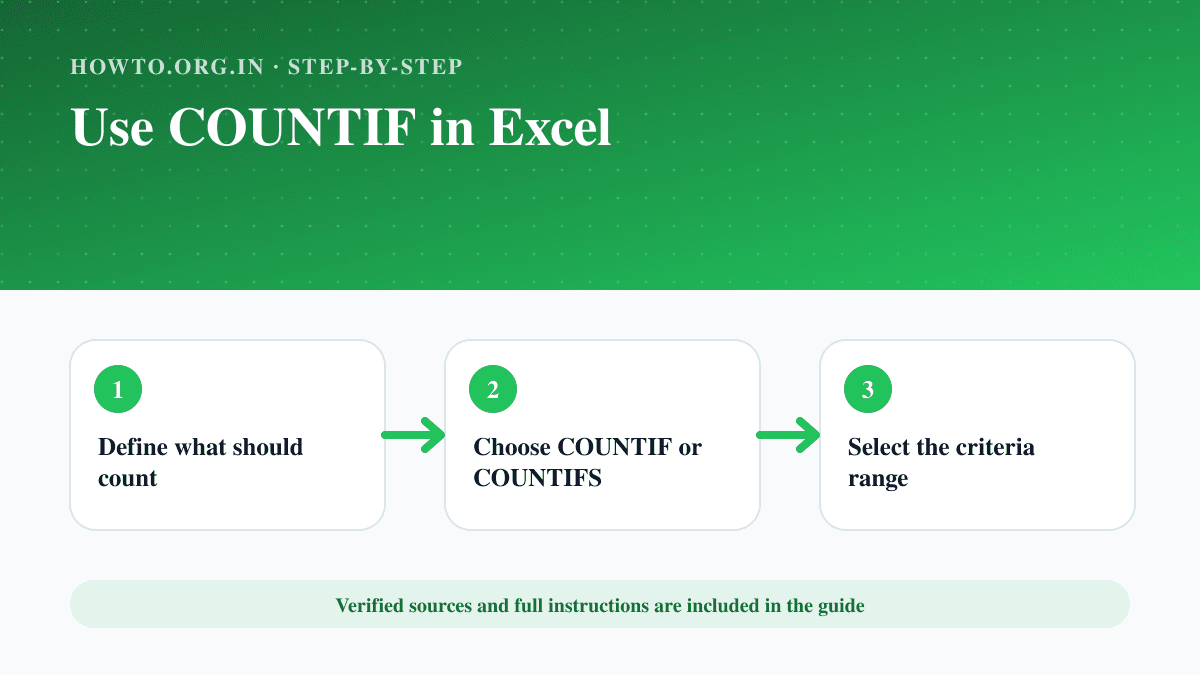
Define what should count
Write the condition in plain language first.
- Step 2
Choose COUNTIF or COUNTIFS
Use one function for one condition and the plural form for several.
- Step 3
Select the criteria range
Choose the cells Excel should evaluate.
- Step 4
Enter the criterion
Use a value, text, wildcard or referenced cell.
- Step 5
Add more criteria if needed
Keep every criteria range aligned.
- Step 6
Check sample rows
Manually count a small filtered set to verify the formula.
Practical Example
=COUNTIFS($B$2:$B$100,"Paid",$C$2:$C$100,">30") counts paid records whose value exceeds 30.
Common Mistakes
- Counting blanks unintentionally
- Using mismatched COUNTIFS ranges
- Forgetting quotation marks around operators
Troubleshooting
Text matches are missed
Remove hidden spaces or normalize inconsistent entries.
The count is too high
Check wildcard use, blanks and duplicate rows.
Sources and Review
Reviewed by Pramod Tiwari, Editor; official-source verification on 2026-08-08.
- Ways to count values in a worksheet — Microsoft Support
Helpful Internal Links
FAQs
Is COUNTIF case-sensitive?
COUNTIF is generally not case-sensitive.
Can it count partial text?
Yes, supported wildcards can match part of a text value.
When should I use COUNTIFS?
Use it when all specified conditions must be evaluated together.
Related Guides
How to Remove Duplicates in Excel
Learn how to remove duplicates in Excel, choose columns, protect original data, use conditional formatting, troubleshoot mistakes, and read FAQs.
How to Create a Pivot Table in Excel
Learn how to create a pivot table in Excel, prepare data, choose fields, summarize values, refresh results, avoid mistakes, and read FAQs.
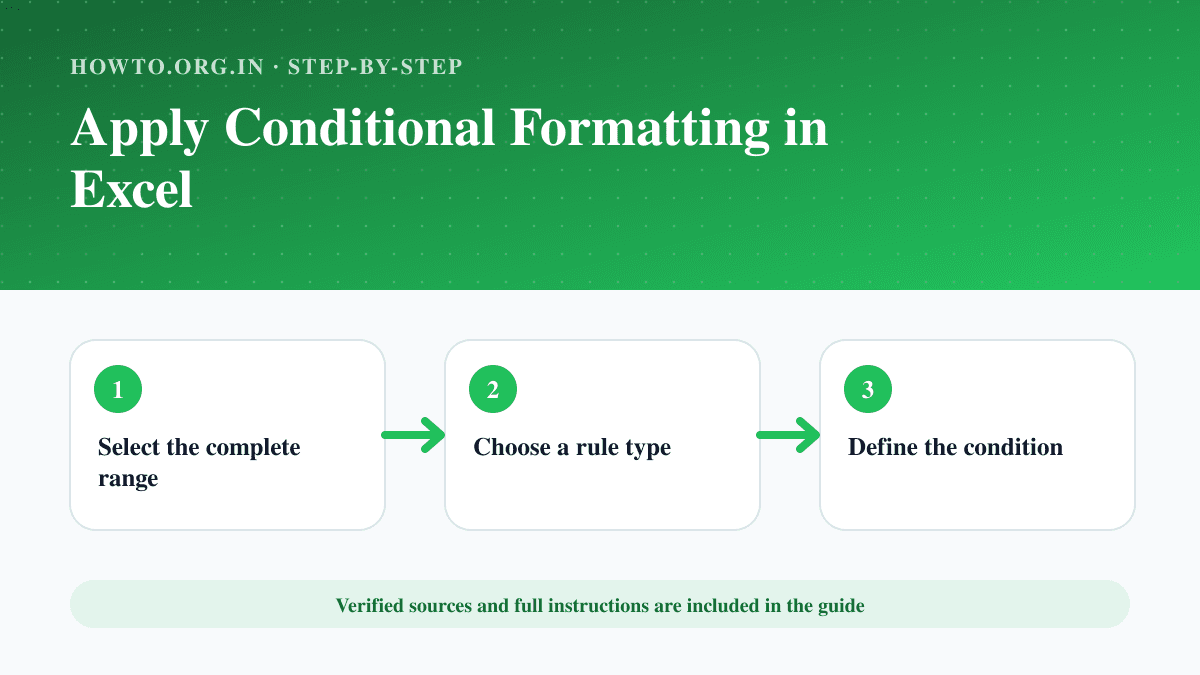
How to Apply Conditional Formatting in Excel
Highlight values, duplicates, dates or formula-based conditions in Excel and manage rule order and cell references.
Help us improve this guide
Tell us about an outdated instruction, unclear step, broken link or safety concern. Do not include passwords, account numbers, medical records or other sensitive information.