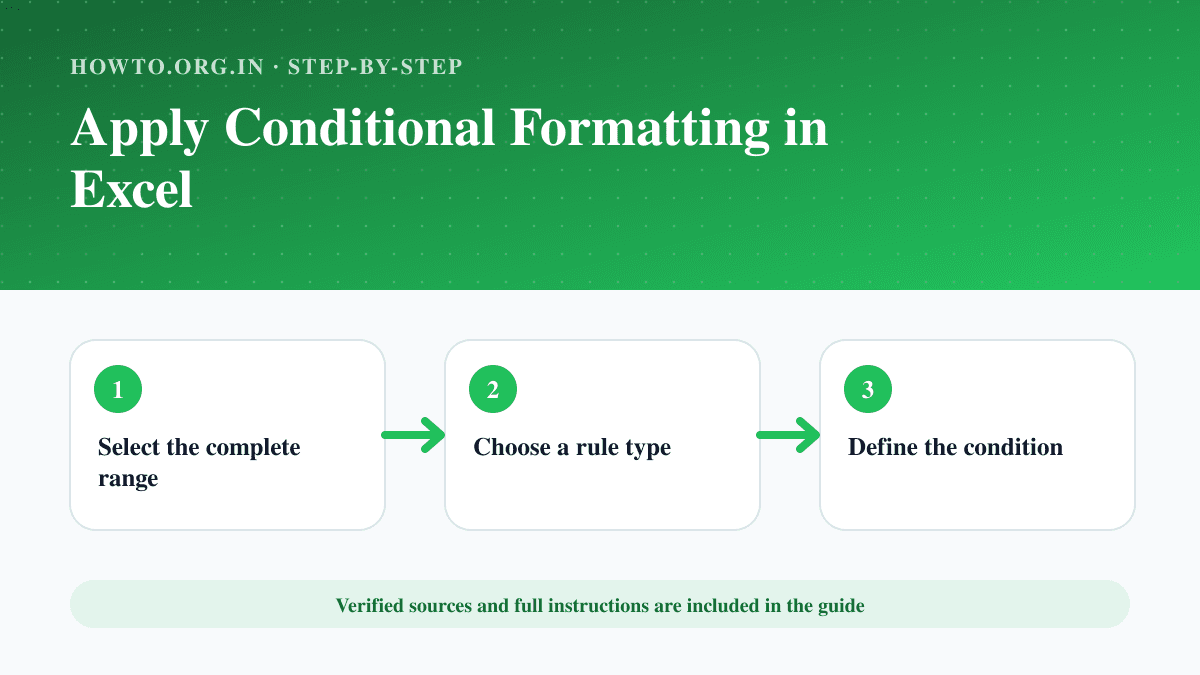
How to Apply Conditional Formatting in Excel
Highlight values, duplicates, dates or formula-based conditions in Excel and manage rule order and cell references.
Formulas, formatting, data tasks and workflow help for spreadsheets.
Highlight values, duplicates, dates or formula-based conditions in Excel and manage rule order and cell references.
Learn how to combine two columns in Excel using formulas, ampersand, TEXTJOIN, Flash Fill, separators, mistakes, troubleshooting, and FAQs.
Learn how to create a pivot table in Excel, prepare data, choose fields, summarize values, refresh results, avoid mistakes, and read FAQs.
Learn how to freeze rows in Google Sheets, keep headers visible, freeze columns too, avoid mistakes, troubleshoot mobile limits, and read FAQs.
Learn how to make a graph in Excel, choose chart type, select data, label axes, avoid misleading charts, troubleshoot, and read FAQs.
Learn how to make a line graph in Google Sheets, prepare data, insert chart, label axes, avoid mistakes, troubleshoot, and read FAQs.
Learn how to merge cells in Google Sheets, use merge all, horizontal, or vertical options, avoid data loss, troubleshoot sorting, and read FAQs.
Learn how to move columns in Excel by drag-and-drop, cut and insert, table tips, formula checks, common mistakes, troubleshooting, and FAQs.
Learn how to password protect an Excel file, choose file encryption or sheet protection, avoid lockout mistakes, troubleshoot, and read FAQs.
Learn how to remove duplicates in Excel, choose columns, protect original data, use conditional formatting, troubleshoot mistakes, and read FAQs.
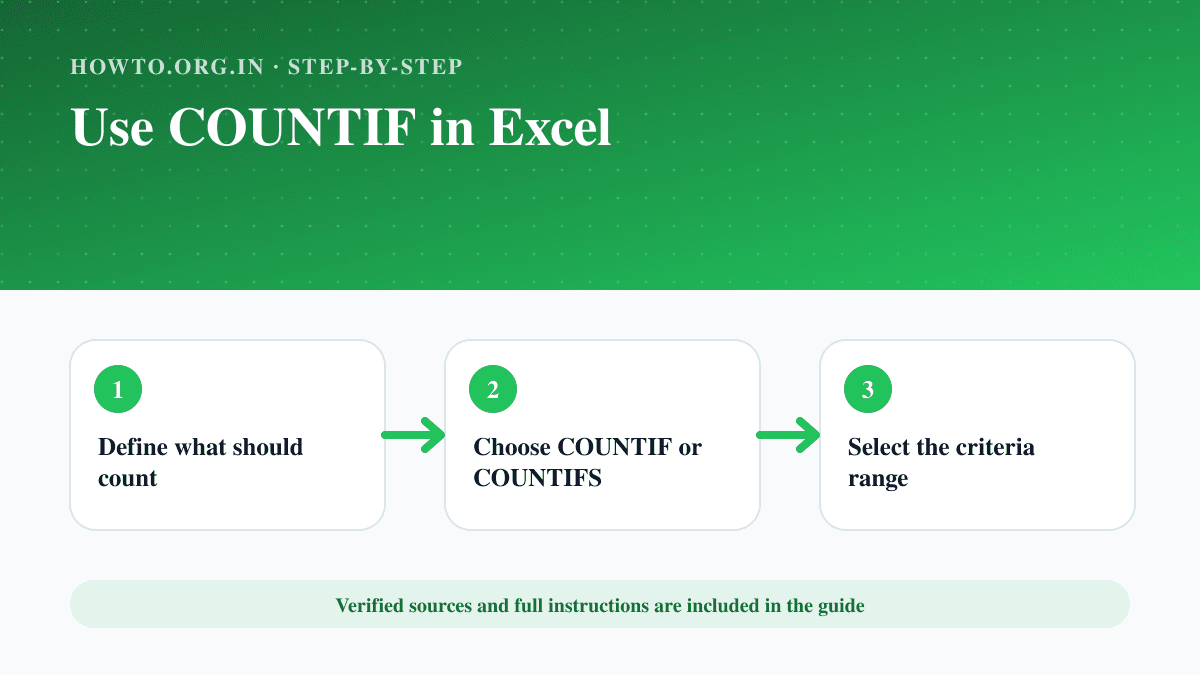
Count cells that match text, number, date or multiple criteria using COUNTIF and COUNTIFS in Excel.
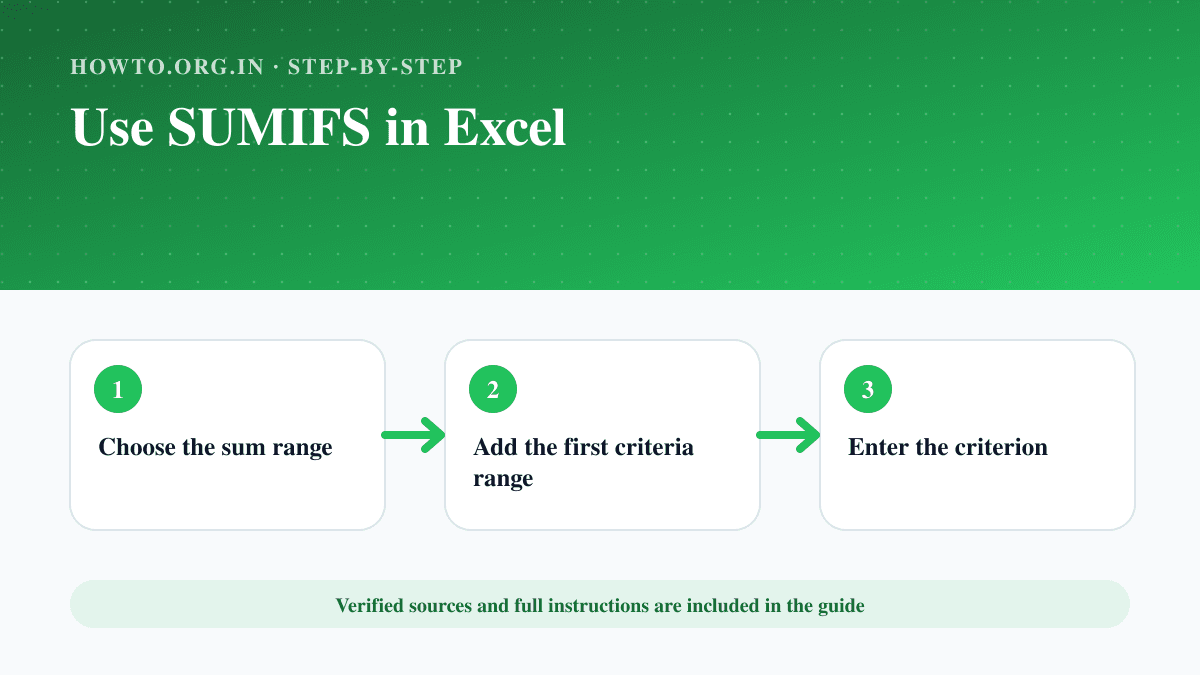
Use SUMIFS to add values that meet one or more text, number or date criteria, with correctly sized and locked ranges.
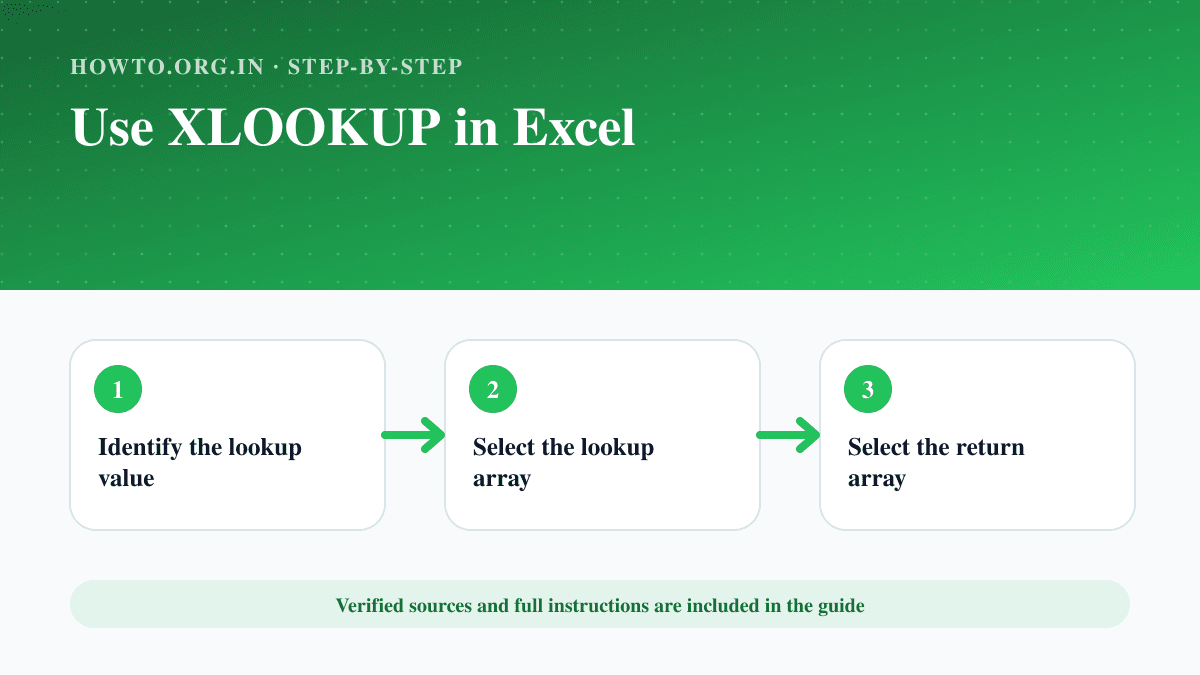
Use XLOOKUP to find an exact value, return a matching result, handle missing values and lock ranges correctly.