
How to Use TikTok
Learn how to use TikTok as a beginner, including account setup, For You feed, posting, privacy settings, safety controls, mistakes, and FAQs.
Quick Answer
To use TikTok, install the app, create or sign in to an account, review privacy and safety settings, explore the For You and Following feeds, search for topics, follow creators, interact with likes or comments carefully, create videos with the plus button, add captions and settings, then post or save drafts.
What You Need
- TikTok app
- Email, phone, or social sign-in
- Username
- Internet connection
- Privacy preference
- Optional camera and microphone access
Safety Precautions
- Only download TikTok from official app stores.
- Check who can view, comment, message, duet, or stitch your content.
- Think before posting because videos can be saved or shared by others.
- Respect copyright, privacy, and community rules.
Privacy and Safety Notes
- Review privacy settings before posting.
- Use two-step verification if available.
- Be cautious with scams, suspicious links, and strangers asking for money or personal details.
- For children or teens, use age-appropriate supervision and family safety settings.
- Do not post private location, ID, school, workplace, or financial information.
Step-by-Step Instructions
- Step 1
Install and sign in
Download TikTok from the official app store and create or sign in to your account.
- Step 2
Review privacy settings
Open Settings and privacy, then review account privacy, comments, direct messages, duets, stitches, and discoverability.
- Step 3
Secure the account
Use a strong password and enable two-step verification if available.
- Step 4
Learn the feeds
For You recommends videos; Following shows creators you follow.
- Step 5
Search interests
Use search for topics, creators, sounds, or hashtags that match your interests.
- Step 6
Interact carefully
Like, comment, save, or share, but remember that public activity may be visible.
- Step 7
Create a video
Tap the plus button, record or upload clips, add text, sound, captions, and effects if desired.
- Step 8
Set video visibility
Before posting, choose who can view and interact with the video.
- Step 9
Post or save draft
Post when ready or save as a draft if you want to review later.
Practical Example
Example: You create a private account, follow cooking creators, save recipes, record a short pasta tip, add captions, set comments to friends only, and save it as a draft before posting.
Common Mistakes
- Posting before checking privacy settings
- Using copyrighted content carelessly
- Sharing private location details
- Clicking suspicious links
- Arguing in comments
- Letting screen time run without limits
Troubleshooting
I do not want strangers seeing my posts
Switch to a private account and review video visibility, comments, messages, duets, and stitches.
My feed shows content I dislike
Use Not interested, unfollow accounts, search preferred topics, and adjust content preferences.
I cannot post
Check internet, app permissions, account status, storage, and app updates.
I see scam messages
Do not click links or send money. Block, report, and review message settings.
Helpful Internal Links
FAQs
Can I use TikTok without posting?
Yes. You can watch, search, follow, and save content without posting your own videos.
Should my TikTok account be private?
Private is safer for many beginners, especially if you do not want unknown viewers.
What is the For You page?
It is TikTok’s recommendation feed based on many signals, including interactions and viewing behavior.
How do I stay safer on TikTok?
Use privacy settings, two-step verification, limited personal details, and caution with strangers and links.
Related Guides
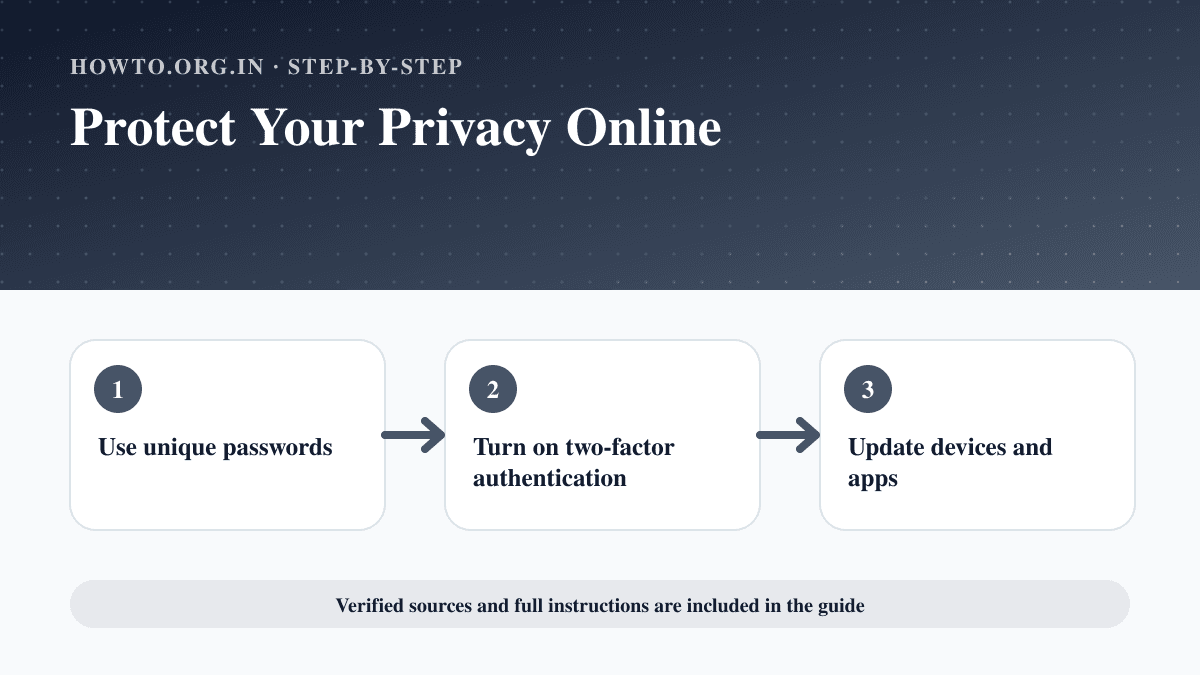
How to Protect Your Privacy Online
Learn practical ways to protect your privacy online with passwords, app permissions, location settings, updates, browsers, data sharing, mistakes, and FAQs.
How to Use LinkedIn
Learn how to use LinkedIn with a stronger profile, headline, experience, skills, networking, job search, posting, privacy settings, mistakes, and FAQs.
How to Block Someone on TikTok
Learn how to block someone on TikTok from their profile, manage blocked accounts, handle harassment, avoid mistakes, troubleshoot, and answer FAQs.
Help us improve this guide
Tell us about an outdated instruction, unclear step, broken link or safety concern. Do not include passwords, account numbers, medical records or other sensitive information.