
How to Block Someone on TikTok
Learn how to block someone on TikTok from their profile, manage blocked accounts, handle harassment, avoid mistakes, troubleshoot, and answer FAQs.
Quick Answer
To block someone on TikTok, open their profile, tap the share or menu option, choose Block, and confirm. You can review blocked accounts later in TikTok privacy settings.
What You Need
- TikTok app
- Logged-in account
- Username or profile to block
- Updated app recommended
- Screenshots or reports optional for harassment
Safety Precautions
- If someone is threatening, harassing, or exploiting you, consider reporting the account and saving evidence before blocking.
- Do not engage with abusive messages.
- Review privacy settings for comments, messages, mentions, and profile visibility.
- For immediate danger, contact local emergency or trusted support resources.
- TikTok menus can change, so update the app if steps look different.
Step-by-Step Instructions
- Step 1
Open the profile
Search for the person or open their profile from a comment, message, or follower list.
- Step 2
Open profile options
Tap the share arrow or three-dot menu, depending on your app version.
- Step 3
Tap Block
Choose Block from the profile options.
- Step 4
Confirm
Confirm that you want to block the account.
- Step 5
Review privacy settings
Limit who can comment, message, mention, duet, stitch, or view your content.
- Step 6
Report if needed
Use TikTok report tools for harassment, impersonation, scams, or unsafe content.
- Step 7
Manage blocked list
Find blocked accounts in privacy settings if you need to unblock later.
Practical Example
Example: A stranger leaves repeated unwanted comments. You open their profile, tap the menu, block the account, then set comments to friends only.
Common Mistakes
- Replying to harassment repeatedly
- Blocking before saving evidence when a report is needed
- Forgetting comment privacy settings
- Assuming one block stops new accounts
- Using an outdated app
- Sharing screenshots with private details visible
Troubleshooting
Block option is hard to find
Update TikTok and look for the profile menu or share options.
They use another account
Block the new account, report harassment, and tighten privacy settings.
You blocked the wrong person
Go to blocked accounts in privacy settings and unblock if appropriate.
Harassment continues
Save evidence, report accounts, restrict messages/comments, and seek trusted help.
Helpful Internal Links
FAQs
Will TikTok tell someone I blocked them?
TikTok generally does not send a block notification, but the person may notice they cannot interact normally.
Can I unblock someone later?
Yes, use the blocked accounts list in privacy settings or their profile if accessible.
Does blocking remove old comments?
Blocking may limit interaction, but you may still need to delete or manage old comments separately.
Should I report before blocking?
If there is harassment, threats, scams, or impersonation, reporting and saving evidence can help.
Related Guides
How to Use TikTok
Learn how to use TikTok as a beginner, including account setup, For You feed, posting, privacy settings, safety controls, mistakes, and FAQs.
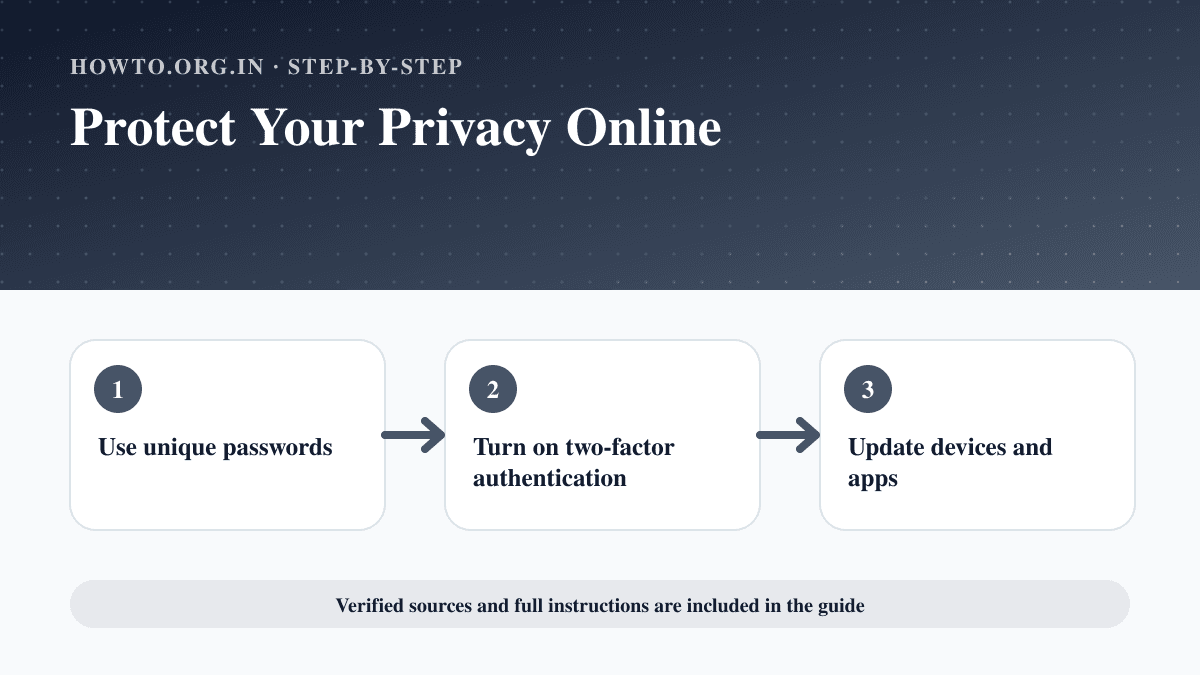
How to Protect Your Privacy Online
Learn practical ways to protect your privacy online with passwords, app permissions, location settings, updates, browsers, data sharing, mistakes, and FAQs.
How to Spot a Phishing Email
Learn how to spot phishing emails with sender checks, urgent language, suspicious links, attachments, payment requests, reporting steps, and FAQs.
Help us improve this guide
Tell us about an outdated instruction, unclear step, broken link or safety concern. Do not include passwords, account numbers, medical records or other sensitive information.