
How to Use XLOOKUP in Excel
Use XLOOKUP to find an exact value, return a matching result, handle missing values and lock ranges correctly.

Quick Answer
Use =XLOOKUP(lookup_value, lookup_array, return_array, "Not found") to search one range and return the corresponding value from another. Keep lookup and return arrays the same size, use absolute references when copying and start with exact matching.
What You Need
- Excel version that supports XLOOKUP
- Lookup column or row
- Return column or row
Safety Precautions
- Keep a backup before changing large workbooks.
- Check whether recipients use an Excel version that supports XLOOKUP.
Step-by-Step Instructions
- Step 1
Identify the lookup value
Choose the cell containing the value to find.
- Step 2
Select the lookup array
Choose the one-dimensional range Excel should search.
- Step 3
Select the return array
Choose the same-sized range containing the desired result.
- Step 4
Add an if-not-found result
Use a clear message instead of leaving #N/A unexplained.
- Step 5
Lock reusable ranges
Use absolute references when copying the formula.
- Step 6
Test known cases
Check a match, a missing value and any duplicate-key behavior.
Practical Example
If A2 contains an employee ID, =XLOOKUP(A2,$F$2:$F$100,$G$2:$G$100,"Not found") returns the matching name.
Common Mistakes
- Using arrays of different sizes
- Copying without locking ranges
- Searching the return column instead of the key column
Troubleshooting
XLOOKUP returns #N/A
Check spaces, data types and whether the key truly exists.
The formula changes when copied
Lock lookup and return arrays with dollar signs.
Sources and Review
Reviewed by Pramod Tiwari, Editor; official-source verification on 2026-08-08.
- XLOOKUP function — Microsoft Support
Helpful Internal Links
FAQs
Can XLOOKUP search left?
Yes, the return array can be left or right of the lookup array.
Does every Excel version support it?
No. Check the Microsoft support page and compatibility needs.
What happens with duplicates?
The default search returns the first matching item.
Related Guides
How to Combine Two Columns in Excel
Learn how to combine two columns in Excel using formulas, ampersand, TEXTJOIN, Flash Fill, separators, mistakes, troubleshooting, and FAQs.
How to Remove Duplicates in Excel
Learn how to remove duplicates in Excel, choose columns, protect original data, use conditional formatting, troubleshoot mistakes, and read FAQs.
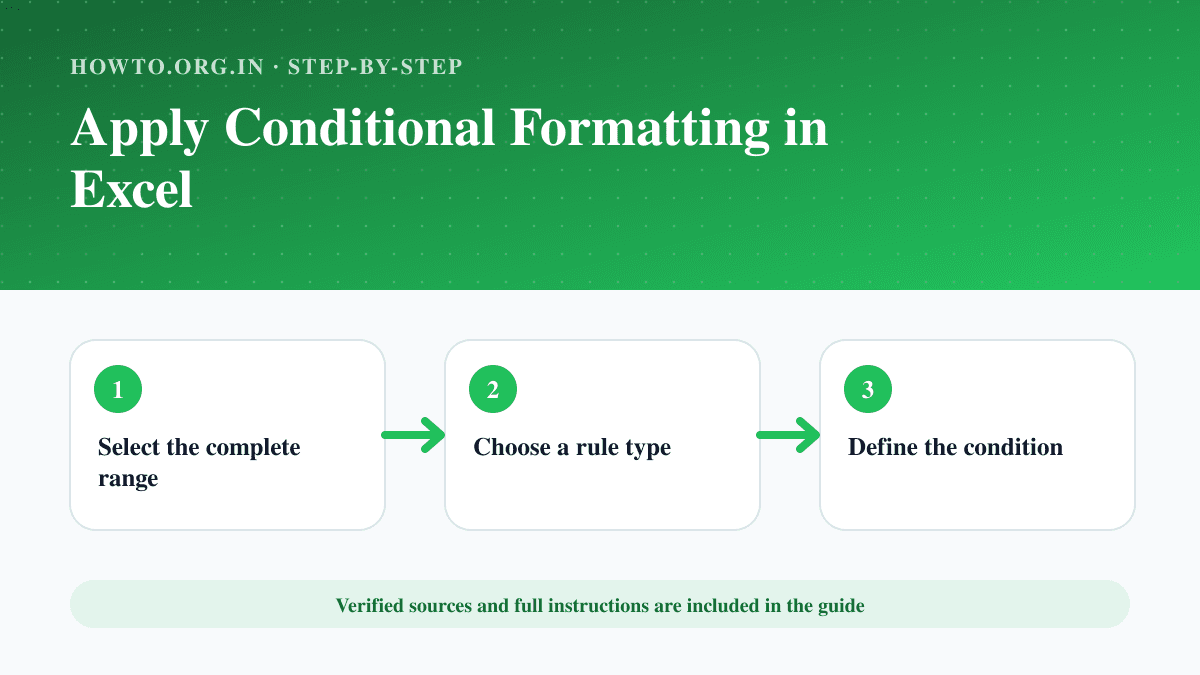
How to Apply Conditional Formatting in Excel
Highlight values, duplicates, dates or formula-based conditions in Excel and manage rule order and cell references.
Help us improve this guide
Tell us about an outdated instruction, unclear step, broken link or safety concern. Do not include passwords, account numbers, medical records or other sensitive information.