How to Connect Printer to WiFi
Learn how to connect a printer to WiFi using setup menus, WPS, or official apps, avoid network mistakes, troubleshoot offline issues, and read FAQs.
Search tasks, problems, steps, tools, platforms or devices.
No close matches. Press Search for broader results.
38 matching guides
Learn how to connect a printer to WiFi using setup menus, WPS, or official apps, avoid network mistakes, troubleshoot offline issues, and read FAQs.
Learn how to find a printer IP address from printer menus, Windows, Mac, router pages, test pages, troubleshooting, and FAQs.
Learn how to fix printer offline errors by checking power, Wi-Fi, default printer, print queue, drivers, restarting devices, troubleshooting, and FAQs.
Learn how to fix printer streaks with nozzle checks, printhead cleaning, toner checks, alignment, paper settings, common mistakes, troubleshooting, and FAQs.
Learn how to install a printer, connect USB or Wi-Fi, add it on Windows or Mac, print a test page, troubleshoot setup, and read FAQs.
Learn how to print from Canva by checking size, downloading a print PDF, using bleed and crop marks, printer settings, troubleshooting, and FAQs.
Learn how to print from iPhone with AirPrint, printer apps, Wi-Fi checks, test pages, common mistakes, troubleshooting, and FAQs.
Learn how to print screen on Mac using screenshot shortcuts, capture part of the screen, copy to clipboard, change save options, troubleshoot, and use FAQs.
Learn how to convert JPG to PDF using built-in print/export tools or trusted apps, combine images, protect privacy, troubleshoot quality, and read FAQs.
Learn how to scan a document using iPhone, Android, Google Drive, printer scanners, and PDF settings, with quality tips, privacy notes, and FAQs.
Learn how to screenshot on Windows using Windows-Shift-S, Snipping Tool, Print Screen, window capture, clipboard, save locations, and fixes.
Learn how to take screenshots on Windows 11 with Snipping Tool, Print Screen, keyboard shortcuts, file locations, mistakes, troubleshooting, and FAQs.
Learn how to wrap text in Excel with the Wrap Text button, row height, line breaks, merged-cell caveats, troubleshooting, and FAQs.
Learn how to create a QR code for a link, form, menu, or contact card with testing, design tips, common mistakes, troubleshooting, and FAQs.
Learn how to make a paper snowflake with folding, cutting, beginner patterns, common mistakes, troubleshooting, and FAQs.
Learn how to make a QR code for a link, menu, file, or contact page with setup steps, safety notes, testing, mistakes, troubleshooting, and FAQs.
Learn how to read manga right-to-left, follow panels and speech bubbles, choose legal sources, avoid common mistakes, and troubleshoot confusing pages.
Learn how to calibrate a monitor with built-in display settings, brightness, contrast, color temperature, test images, mistakes, troubleshooting, and FAQs.
Learn how to change margins in Google Docs using Page setup or the ruler, apply to the whole document, avoid formatting mistakes, troubleshoot, and use FAQs.
Learn how to crop a PDF, save a copy, adjust page boxes, protect privacy, troubleshoot printing and margins, and read FAQs.
Learn how to determine ring size at home with a ring, paper strip, or printable guide, avoid sizing mistakes, troubleshoot fit, and read FAQs.
Learn how to fold paper cranes with square paper, base folds, neck, tail, wings, common mistakes, troubleshooting, and FAQs.
Learn how to freeze rows in Google Sheets, keep headers visible, freeze columns too, avoid mistakes, troubleshoot mobile limits, and read FAQs.
Learn how to lock a row in Excel with Freeze Panes, keep headers visible, avoid mistakes, troubleshoot, and understand protection vs freezing.
Learn how to make a paper fortune teller with simple folding steps, writing ideas, beginner mistakes, troubleshooting, and FAQs.
Learn how to make a paper airplane with simple folds, symmetry, wing angles, test flights, mistakes, troubleshooting, and FAQs.
Learn how to make a paper boat from one sheet of paper with easy folding steps, beginner mistakes, troubleshooting, and FAQs.
Learn how to fold a simple paper dart airplane with crisp folds, flying tips, safety notes, common mistakes, troubleshooting, and FAQs.
Learn how to make paper snowflakes with folding, cutting, unfolding, decorating, safety tips, mistakes, troubleshooting, and FAQs.
Learn how to measure ring size with an existing ring, paper strip, printable sizer cautions, fit tips, mistakes, troubleshooting, and FAQs.
Learn how to proofread effectively with a checklist, fresh eyes, read-aloud method, formatting review, mistakes, troubleshooting, and FAQs.
Learn how to publish a book with editing, formatting, cover design, ISBN, traditional publishing, self-publishing, launch basics, mistakes, and FAQs.
Learn how to rotate a PDF page or full document safely, save a copy, fix sideways scans, avoid privacy mistakes, troubleshoot, and read FAQs.
Learn how to shrink a shirt safely by fabric type, use hot water and dryer heat carefully, avoid damage, troubleshoot uneven shrinking, and use FAQs.
Learn how to change your Wi-Fi name or SSID through router settings, choose a safe network name, save changes, reconnect devices, and troubleshoot issues.
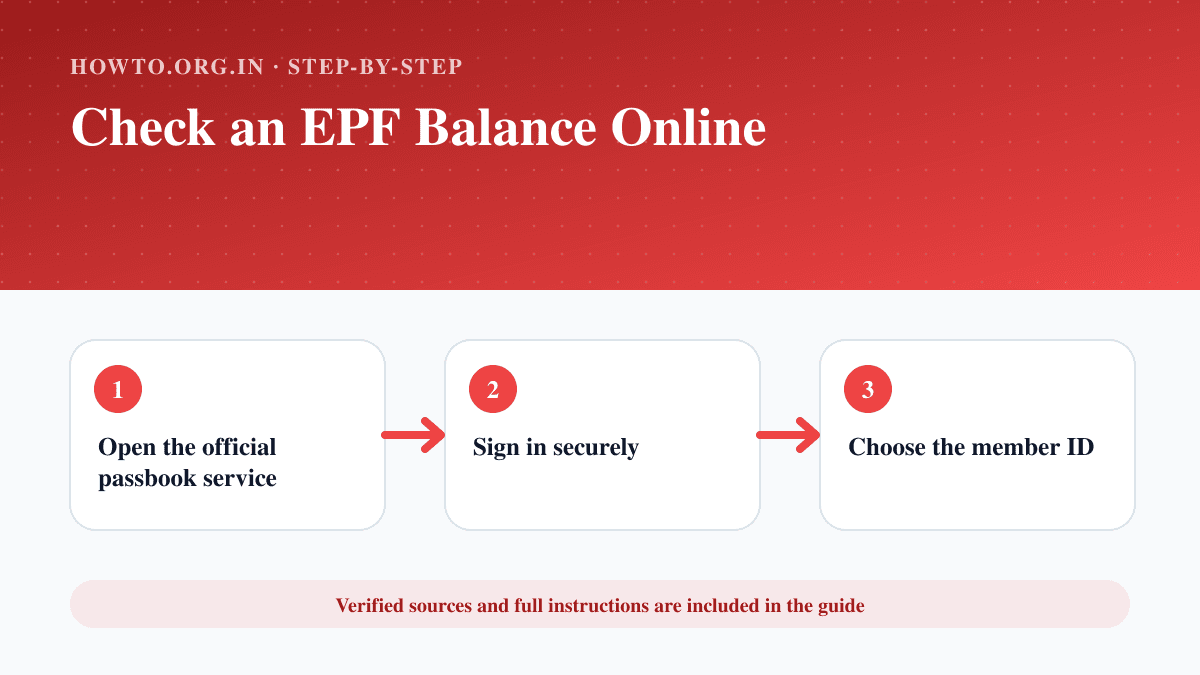
Check an EPF passbook and claim status through the official EPFO service using a UAN and secure login.
Learn how to learn to code with language choice, fundamentals, projects, debugging, practice routine, common mistakes, troubleshooting, and FAQs.
Learn how to scan a document on iPhone using Notes or Files, adjust corners, save as PDF, share safely, troubleshoot blurry scans, and avoid common mistakes.