How to Change Wi-Fi Name
Learn how to change your Wi-Fi name or SSID through router settings, choose a safe network name, save changes, reconnect devices, and troubleshoot issues.
Search tasks, problems, steps, tools, platforms or devices.
No close matches. Press Search for broader results.
86 matching guides
Learn how to change your Wi-Fi name or SSID through router settings, choose a safe network name, save changes, reconnect devices, and troubleshoot issues.
Learn how to change your Wi-Fi password by signing in to your router, finding wireless settings, choosing a strong password, reconnecting devices, and fixing issues.
Learn how to check Wi-Fi speed with speed tests, router checks, wired comparison, signal tips, mistakes, troubleshooting, and FAQs.
Learn how to connect Alexa to WiFi using the Alexa app, setup mode, password checks, router troubleshooting, common mistakes, and FAQs.
Learn how to connect a printer to WiFi using setup menus, WPS, or official apps, avoid network mistakes, troubleshoot offline issues, and read FAQs.
Learn how to connect to Wi-Fi on common devices, choose a network, enter the password, handle captive portals, avoid unsafe networks, and troubleshoot issues.
Learn how to find a saved WiFi password on your router, Windows, Mac, iPhone, or Android, protect privacy, troubleshoot access, and read FAQs.
Learn how to fix weak WiFi signal with router placement, restart, band selection, interference checks, mesh options, mistakes, troubleshooting, and FAQs.
Learn how to fix Wi-Fi problems by checking devices, router, modem, signal, passwords, network settings, ISP outages, mistakes, and troubleshooting.
Learn how to connect a laptop to a TV using HDMI, wireless casting, display settings, audio output, troubleshooting, and FAQs.
Learn how to find a MAC address on common devices, understand Wi-Fi private addresses, avoid confusion, troubleshoot, and read FAQs.
Learn how to fix printer offline errors by checking power, Wi-Fi, default printer, print queue, drivers, restarting devices, troubleshooting, and FAQs.
Learn how to install a printer, connect USB or Wi-Fi, add it on Windows or Mac, print a test page, troubleshoot setup, and read FAQs.
Learn how to print from iPhone with AirPrint, printer apps, Wi-Fi checks, test pages, common mistakes, troubleshooting, and FAQs.
Learn how to reset network settings on iPhone, what it deletes, when to use it, avoid mistakes, troubleshoot Wi-Fi and Bluetooth issues, and read FAQs.
Learn how to set up a home office with desk placement, lighting, ergonomics, internet, storage, focus zones, mistakes, troubleshooting, and FAQs.
Learn how to update iPhone with backup, Wi-Fi, battery, Settings, automatic updates, common mistakes, troubleshooting, and FAQs.
Learn how to AirDrop files safely between Apple devices, adjust visibility, send photos, troubleshoot missing devices, and use FAQs.
Learn how to backup iPhone with iCloud, Mac Finder, or Windows Apple Devices app, check backup status, avoid mistakes, and troubleshoot storage issues.
Learn how to cast a laptop to a TV using HDMI, Miracast, Chromecast, or AirPlay, troubleshoot connection issues, avoid mistakes, and use FAQs.
Learn how to disable autoplay videos with browser, social app, and device-level settings, plus data-saving tips, common mistakes, troubleshooting, and FAQs.
Learn how to find your public IP, private IP, router IP, and website IP address on Windows, Mac, Android, iPhone, and browsers with simple steps.
Learn how to mirror your phone to a TV using AirPlay, Chromecast, built-in casting, HDMI adapters, troubleshooting, privacy tips, and FAQs.
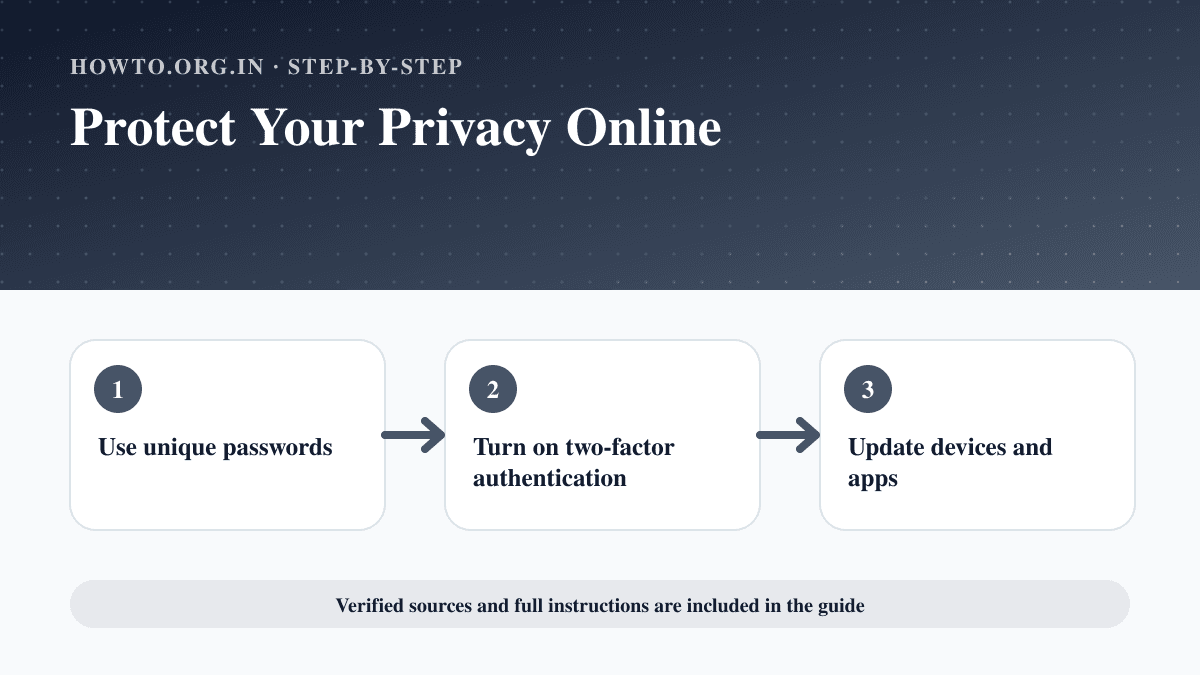
Learn practical ways to protect your privacy online with passwords, app permissions, location settings, updates, browsers, data sharing, mistakes, and FAQs.
Learn how to reduce ping with wired connection, router placement, background apps, server choice, QoS, troubleshooting, and FAQs.
Learn how to remove malware with disconnecting, safe mode, security scan, suspicious app removal, password changes, backups, mistakes, and FAQs.
Learn how to reset network settings on iPhone, Android, Windows, and Mac, what it removes, what to check first, mistakes, troubleshooting, and FAQs.
Learn how to reset a router safely, including restart vs factory reset, backup steps, reset button method, reconnecting, mistakes, troubleshooting, and FAQs.
Learn how to find archived Gmail messages, search All Mail, move emails back to Inbox, avoid common mistakes, troubleshoot missing messages, and use FAQs.
Learn how to allow pop-ups on Chrome safely for a trusted site, manage blocked pop-ups, avoid risky ads, troubleshoot, and use FAQs.
Learn how to backup your computer with external drives, cloud backups, important files, automatic schedules, restore checks, common mistakes, and FAQs.
Learn how to change your default browser on Windows, Mac, Android, or iPhone, set link handling correctly, troubleshoot issues, and read FAQs.
Learn how to clear cache on iPhone in Safari, reduce app storage, clear website data, fix slow browsing, avoid mistakes, and answer FAQs.
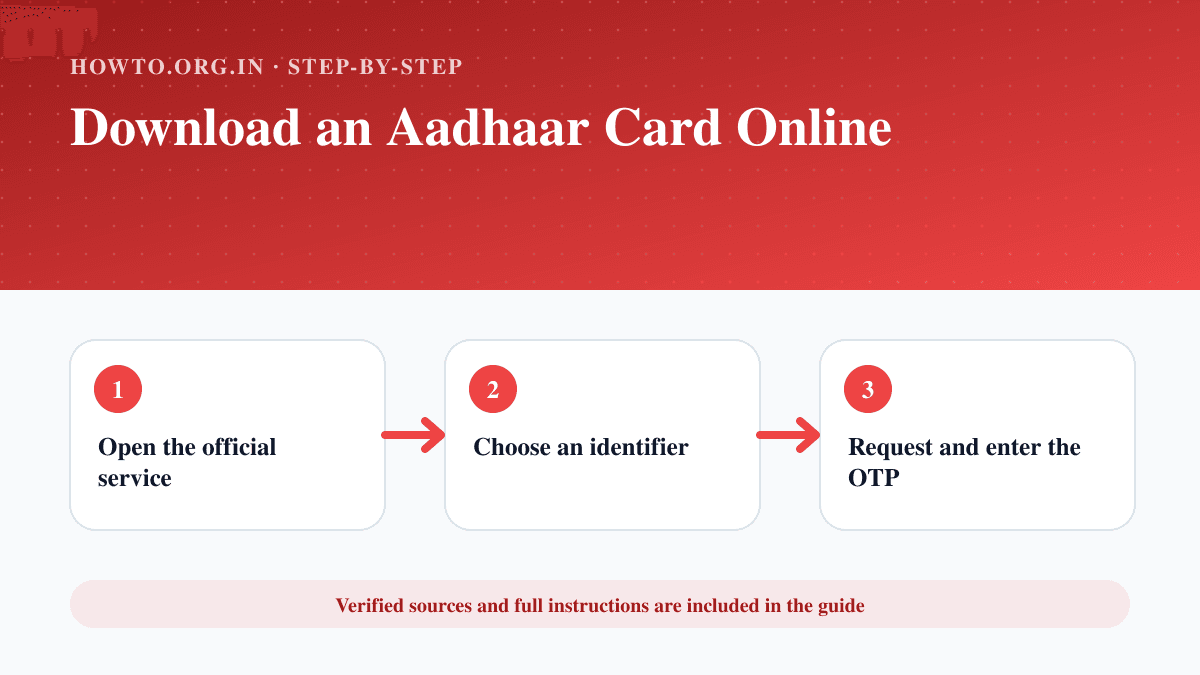
Download an e-Aadhaar from the official MyAadhaar service using Aadhaar, enrolment ID or VID, then verify and store the PDF safely.
Learn how to download a Google Drive folder, handle zipped files, shared folder permissions, large downloads, troubleshooting, and FAQs.
Learn how to download photos from Google Photos, save single or multiple images, use Takeout for bulk export, avoid mistakes, troubleshoot, and read FAQs.
Learn how to drop a pin on iPhone, save or share a location, rename places, avoid mistakes, troubleshoot, and use FAQs.
Learn how to factory reset an Android phone, back up first, remove accounts if needed, erase data, troubleshoot reset issues, and read FAQs.
Learn how to factory reset an iPhone safely with backup, sign-out checks, erase steps, eSIM warning, troubleshooting, mistakes, and FAQs.
Learn how to factory reset a MacBook safely, back up files, sign out, erase content, reinstall macOS, avoid mistakes, troubleshoot, and use FAQs.
Learn how to fix a slow computer with restart, storage, startup apps, updates, malware scan, hardware checks, mistakes, troubleshooting, and FAQs.
Learn how to fix a slow Android phone with restart, storage cleanup, app checks, updates, battery settings, troubleshooting, mistakes, and FAQs.
Learn how to forward a text message on iPhone or Android, check privacy, avoid mistakes, troubleshoot forwarding issues, and read FAQs.
Learn how to install Linux safely with distro choice, backups, bootable USB, BIOS/UEFI settings, partition cautions, mistakes, troubleshooting, and FAQs.
Learn how to learn coding with a beginner roadmap, language choice, practice habits, projects, common mistakes, troubleshooting, and FAQs.
Learn how to leave a Google review for a business, edit or delete it later, write a useful review, avoid mistakes, and fix common review issues.
Learn how to pair an Apple Watch to a new iPhone with backup, transfer, unpairing, activation lock, troubleshooting, and FAQs.
Learn how to recover deleted photos from iPhone using Recently Deleted, iCloud, backups, and careful troubleshooting without unsafe claims.
Learn how to reset Apple Watch from the Watch app or watch settings, unpair, erase content, remove Activation Lock, backup, mistakes, and troubleshooting.
Learn how to reset Chromecast with Google Home or the physical button, what reset means, setup tips, troubleshooting, mistakes, and FAQs.
Learn how to reset iPad safely with restart, erase all content, factory restore, backup, Activation Lock, eSIM notes, mistakes, and troubleshooting.
Learn how to reset iPhone safely, choose restart, reset settings, or erase all content, back up first, avoid mistakes, troubleshoot issues, and read FAQs.
Learn how to factory reset a Chromebook with Powerwash, back up files, remove accounts, avoid data loss, troubleshoot, and use FAQs.
Learn how to scan a QR code safely on iPhone, Android, or computer, open links carefully, troubleshoot camera issues, and read FAQs.
Learn how to scan a QR code on Android using the Camera app, Google Lens, quick settings, safety checks, troubleshooting, and FAQs.
Learn how to scan a QR code on iPhone using Camera or Control Center, plus safety checks, mistakes, troubleshooting, and FAQs.
Learn how to schedule an email in Gmail, choose send time, edit scheduled messages, avoid mistakes, troubleshoot missing options, and read FAQs.
Learn how to search an image using reverse image search, Google Lens, file upload, image URL, source checking, troubleshooting, and FAQs.
Learn how to share screen on Zoom, choose a window or full screen, share audio, protect privacy, troubleshoot permissions, and read FAQs.
Learn how to transfer data from one iPhone to another using Quick Start, iCloud, or computer backup with mistakes, troubleshooting, and FAQs.
Learn how to transfer Spotify playlists to Apple Music using a trusted transfer tool, review matches, avoid mistakes, and troubleshoot missing songs.
Learn how to update iPhone apps from the App Store, enable automatic updates, troubleshoot stuck updates, avoid mistakes, and use FAQs.
Learn how to update GPU drivers, identify your graphics card, use manufacturer tools, avoid driver mistakes, troubleshoot, and use FAQs.
Learn how to update a graphics driver on Windows using Windows Update, manufacturer tools, GPU model checks, rollback tips, mistakes, troubleshooting, and FAQs.
Learn how to update NVIDIA graphics drivers using NVIDIA App or manual downloads, with backup checks, clean install tips, troubleshooting, and FAQs.
Learn how to upload a video to YouTube with title, description, thumbnail, visibility, checks, copyright cautions, troubleshooting, and FAQs.
Learn how to use Facebook as a beginner, including profile setup, posting, friends, groups, privacy settings, safety tips, mistakes, and FAQs.
Learn how to use Google Docs with creating documents, formatting, sharing, comments, version history, offline mode, mistakes, troubleshooting, and FAQs.
Learn how to use Google Lens to search images, copy text, translate, identify products, scan QR codes, troubleshoot, and protect privacy.
Learn how to use Google Slides to create, edit, present, share, and export presentations with common mistakes, troubleshooting, and FAQs.
Learn how to use Microsoft Teams for chat, meetings, channels, files, screen sharing, notifications, mistakes, troubleshooting, and FAQs.
Learn how to use TikTok as a beginner, including account setup, For You feed, posting, privacy settings, safety controls, mistakes, and FAQs.
Learn how to use Zoom as a beginner, including joining a meeting, setting up audio and video, hosting, screen sharing, chat, safety settings, and troubleshooting.
Learn how to boot into Safe Mode on Windows from Settings, the sign-in screen, or recovery, plus troubleshooting, mistakes, and FAQs.
Learn how to clean an iPhone charging port safely, remove lint, avoid damage, troubleshoot charging issues, and know when to get service.
Learn how to factory reset a Windows PC, back up files, choose keep or remove everything, avoid mistakes, troubleshoot, and use FAQs.
Learn how to get a virtual phone number, compare providers, choose local or toll-free numbers, set forwarding, verify costs, avoid mistakes, and troubleshoot.
Learn how to make a YouTube channel, choose a niche, set up branding, upload your first video, avoid mistakes, troubleshoot, and use FAQs.
Learn how to turn on Location Services on iPhone, allow location for specific apps, choose precise location, protect privacy, and troubleshoot.
Learn how to use Apple Notes to create notes, folders, checklists, scans, tags, pinned notes, sharing, mistakes, troubleshooting, and FAQs.
Learn how to connect a PS5 DualSense controller to a Windows PC with USB or Bluetooth, set it up in Steam, fix pairing issues, and answer FAQs.
Learn how to create a QR code for a link, form, menu, or contact card with testing, design tips, common mistakes, troubleshooting, and FAQs.
Learn how to find a printer IP address from printer menus, Windows, Mac, router pages, test pages, troubleshooting, and FAQs.
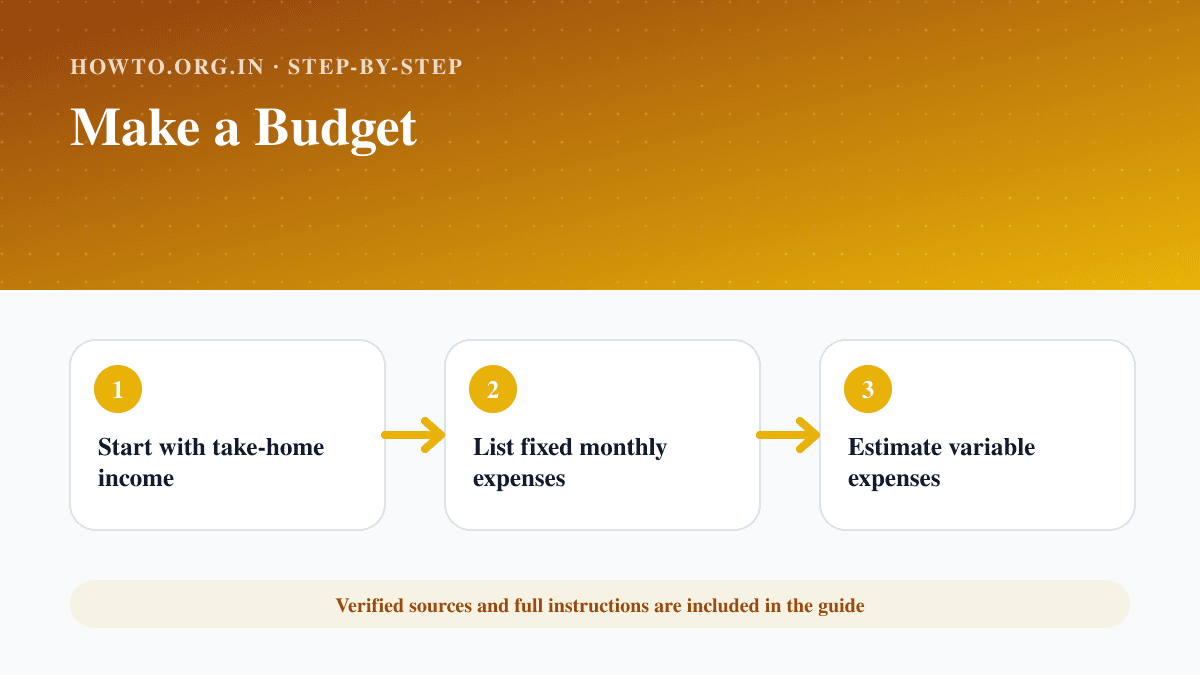
Learn how to make a personal or household budget with income, expenses, the 50/30/20 rule, zero-based budgeting, a monthly example, mistakes, troubleshooting, and FAQs.
Learn how to prepare for a job interview with company research, STAR stories, questions to ask, outfit planning, tech checks, mistakes, and FAQs.
Learn how to reset a Roku remote, replace batteries, use the pairing button, troubleshoot connection issues, avoid mistakes, and review FAQs.