How to Change Default Google Account
Learn how to change the default Google account by signing out, signing in first with the preferred account, avoiding mistakes, troubleshooting, and FAQs.
Search tasks, problems, steps, tools, platforms or devices.
No close matches. Press Search for broader results.
51 matching guides
Learn how to change the default Google account by signing out, signing in first with the preferred account, avoiding mistakes, troubleshooting, and FAQs.
Learn how to change margins in Google Docs using Page setup or the ruler, apply to the whole document, avoid formatting mistakes, troubleshoot, and use FAQs.
Learn how to check word count on Google Docs, show live word count while typing, count selected text, avoid mistakes, troubleshoot issues, and read FAQs.
Learn how to create a Google Form, add questions, choose settings, collect responses, avoid privacy mistakes, troubleshoot, and read FAQs.
Learn how to delete a blank or unwanted page in Google Docs, remove page breaks, spacing, and extra paragraphs, troubleshoot, and read FAQs.
Learn how to create a hanging indent in Google Docs using Format settings or the ruler, fix common issues, and format citations cleanly.
Learn how to download a Google Drive folder, handle zipped files, shared folder permissions, large downloads, troubleshooting, and FAQs.
Learn how to download photos from Google Photos, save single or multiple images, use Takeout for bulk export, avoid mistakes, troubleshoot, and read FAQs.
Learn how to freeze rows in Google Sheets, keep headers visible, freeze columns too, avoid mistakes, troubleshoot mobile limits, and read FAQs.
Learn how to leave a Google review for a business, edit or delete it later, write a useful review, avoid mistakes, and fix common review issues.
Learn how to make a line graph in Google Sheets, prepare data, insert chart, label axes, avoid mistakes, troubleshoot, and read FAQs.
Learn how to merge cells in Google Sheets, use merge all, horizontal, or vertical options, avoid data loss, troubleshoot sorting, and read FAQs.
Learn how to organize Google Drive with folders, naming rules, search, stars, shared files, cleanup tips, troubleshooting, and FAQs.
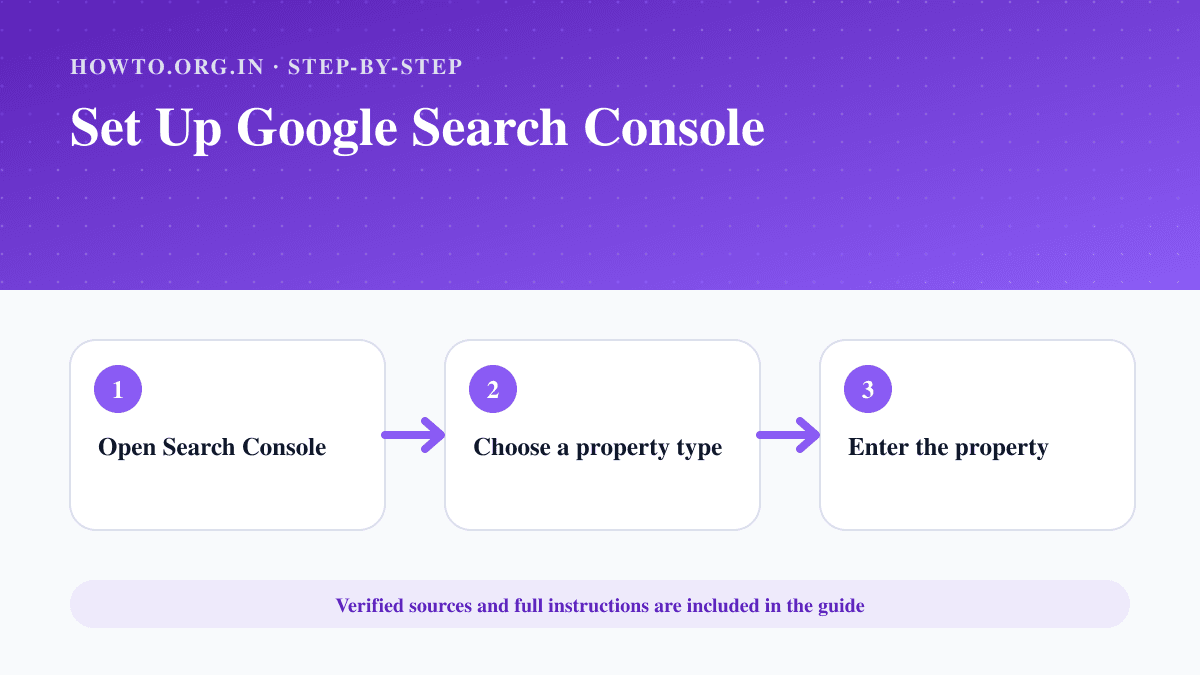
Add a website to Google Search Console, choose a property type, verify ownership and check indexing and performance reports.
Learn how to share Google Calendar with specific people, set permissions, avoid privacy mistakes, troubleshoot access, and read FAQs.
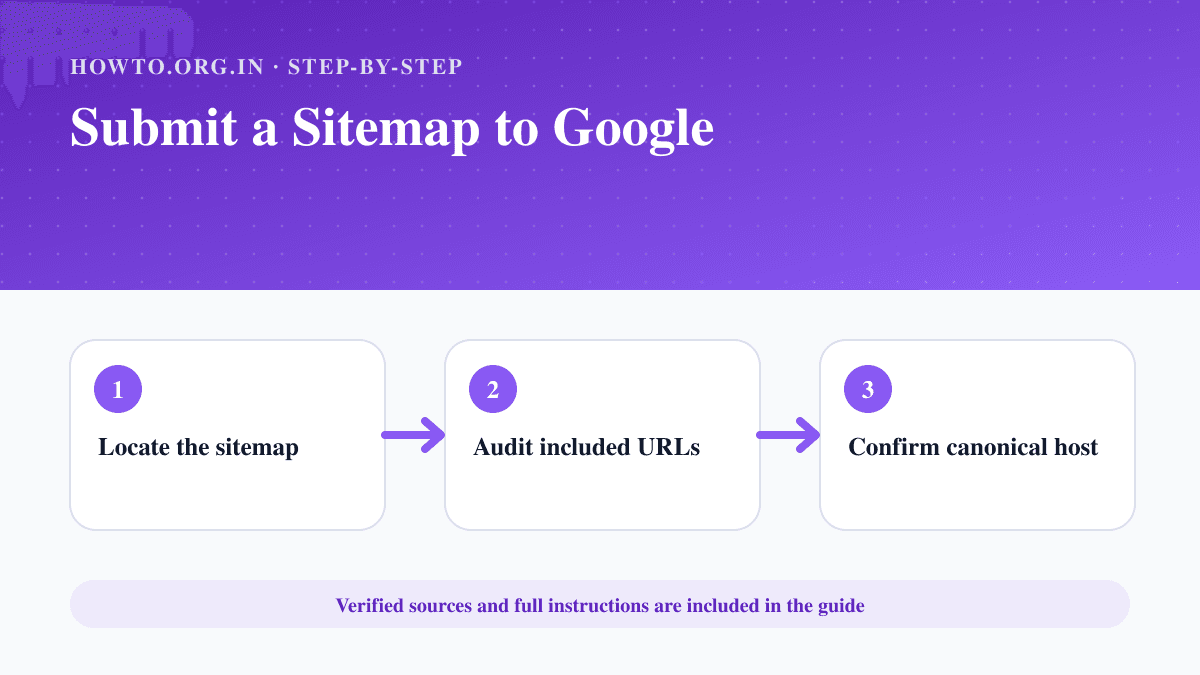
Create or locate an XML sitemap, validate its URLs, publish it and submit the sitemap address in Google Search Console.
Learn how to use Google Docs with creating documents, formatting, sharing, comments, version history, offline mode, mistakes, troubleshooting, and FAQs.
Learn how to use Google Lens to search images, copy text, translate, identify products, scan QR codes, troubleshoot, and protect privacy.
Learn how to use Google Slides to create, edit, present, share, and export presentations with common mistakes, troubleshooting, and FAQs.
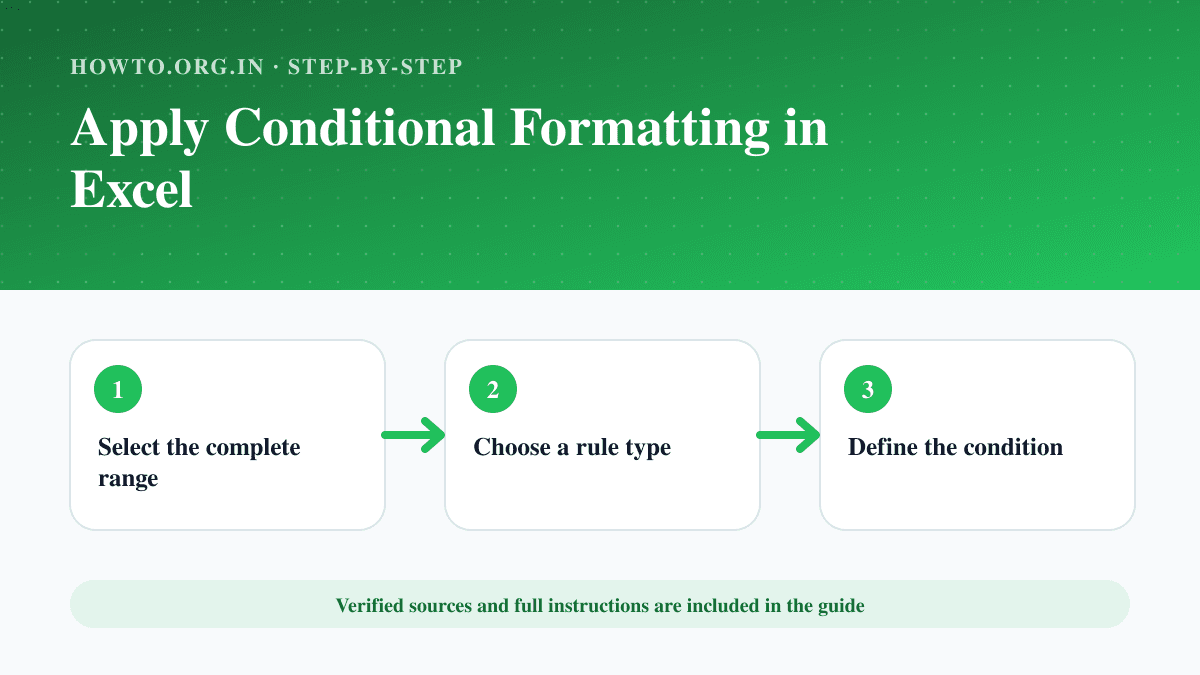
Highlight values, duplicates, dates or formula-based conditions in Excel and manage rule order and cell references.
Learn how to combine two columns in Excel using formulas, ampersand, TEXTJOIN, Flash Fill, separators, mistakes, troubleshooting, and FAQs.
Learn how to create a pivot table in Excel, prepare data, choose fields, summarize values, refresh results, avoid mistakes, and read FAQs.
Learn how to make a graph in Excel, choose chart type, select data, label axes, avoid misleading charts, troubleshoot, and read FAQs.
Learn how to move columns in Excel by drag-and-drop, cut and insert, table tips, formula checks, common mistakes, troubleshooting, and FAQs.
Learn how to password protect an Excel file, choose file encryption or sheet protection, avoid lockout mistakes, troubleshoot, and read FAQs.
Learn how to remove duplicates in Excel, choose columns, protect original data, use conditional formatting, troubleshoot mistakes, and read FAQs.
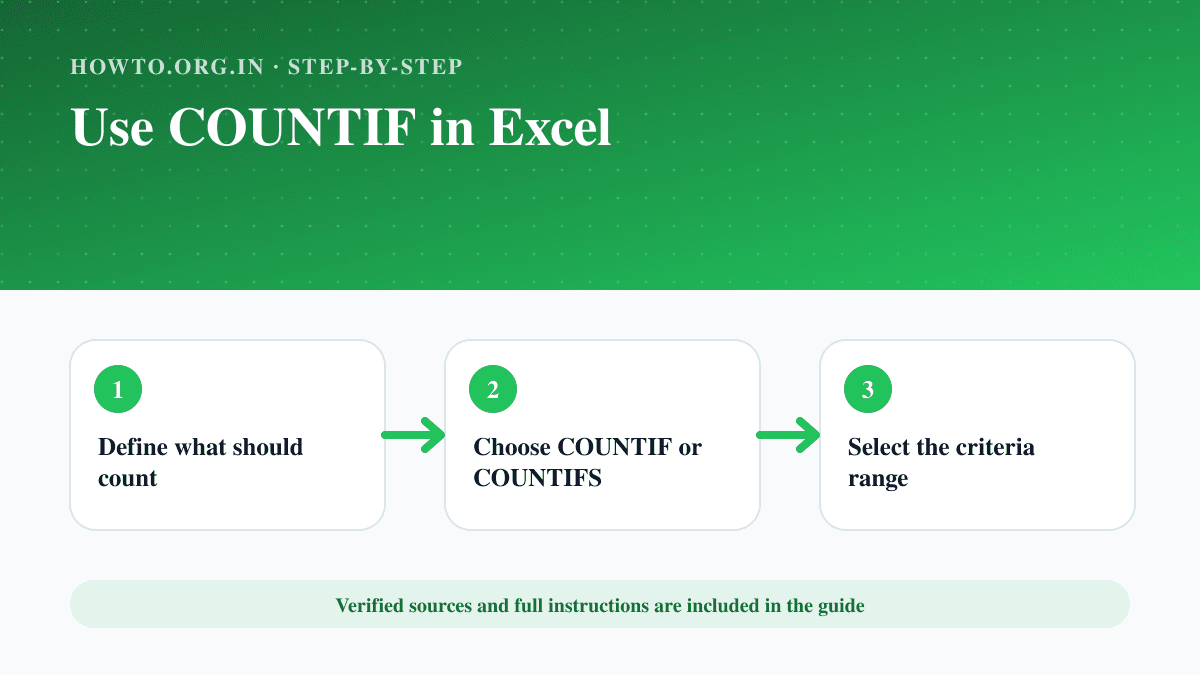
Count cells that match text, number, date or multiple criteria using COUNTIF and COUNTIFS in Excel.
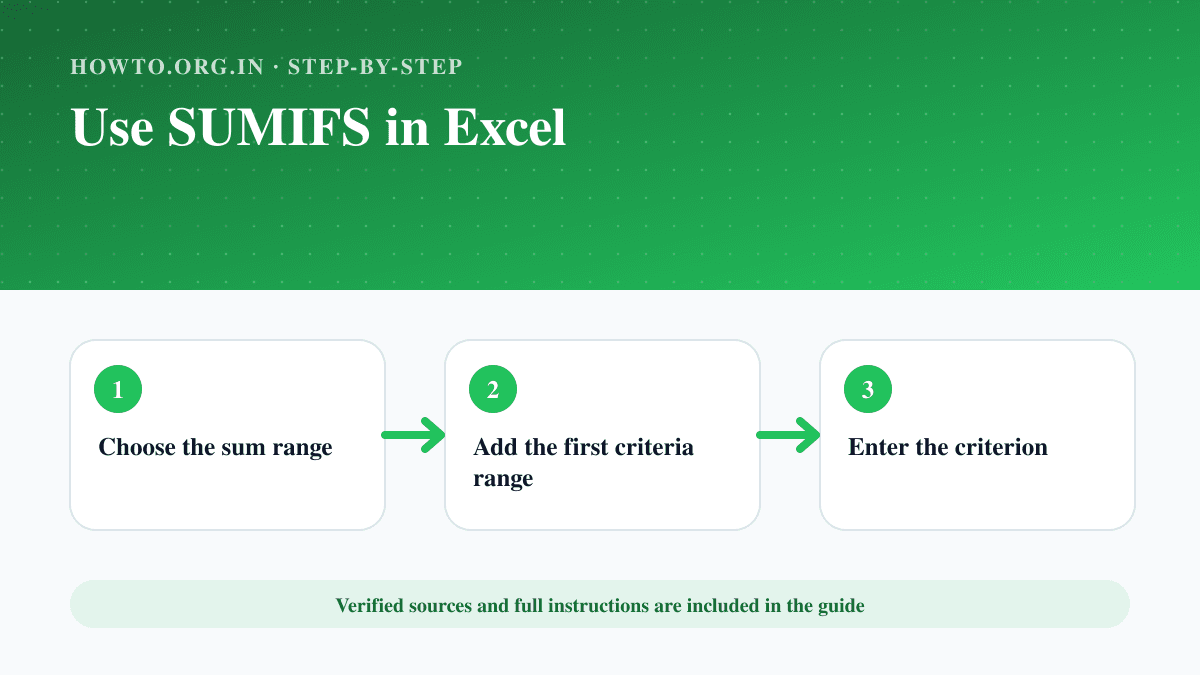
Use SUMIFS to add values that meet one or more text, number or date criteria, with correctly sized and locked ranges.
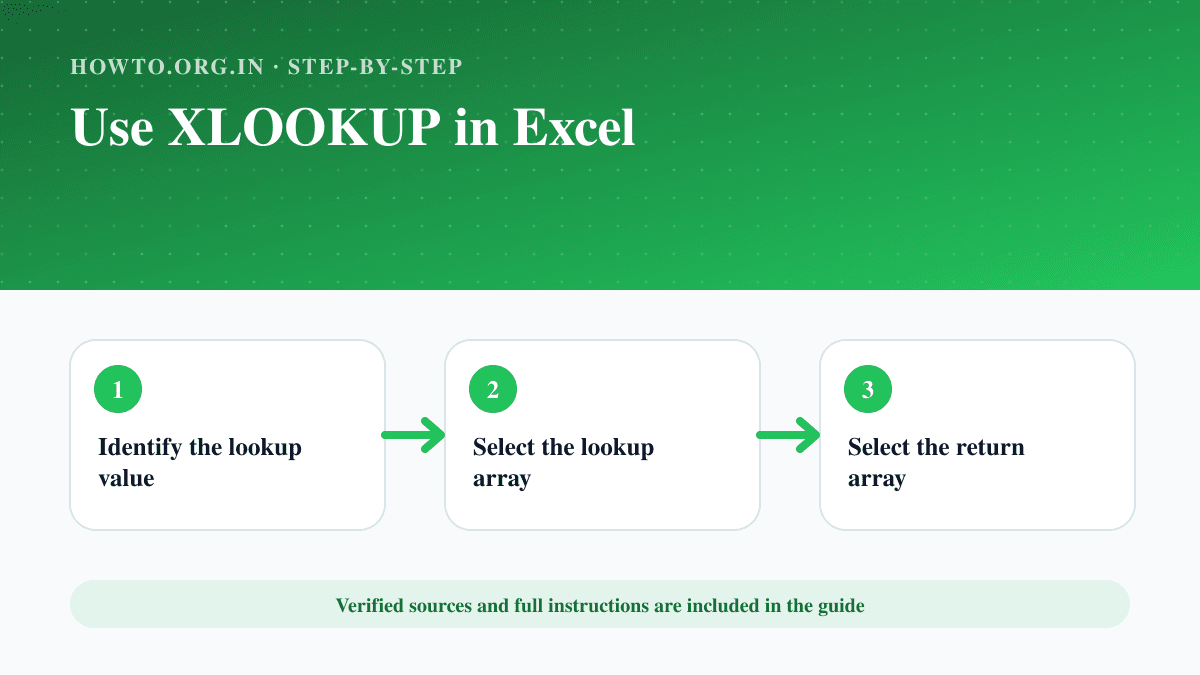
Use XLOOKUP to find an exact value, return a matching result, handle missing values and lock ranges correctly.
Learn how to reset Chromecast with Google Home or the physical button, what reset means, setup tips, troubleshooting, mistakes, and FAQs.
Learn how to scan a document using iPhone, Android, Google Drive, printer scanners, and PDF settings, with quality tips, privacy notes, and FAQs.
Learn how to scan a QR code on Android using the Camera app, Google Lens, quick settings, safety checks, troubleshooting, and FAQs.
Learn how to search an image using reverse image search, Google Lens, file upload, image URL, source checking, troubleshooting, and FAQs.
Learn how to factory reset an Android phone, back up first, remove accounts if needed, erase data, troubleshoot reset issues, and read FAQs.
Learn how to make a YouTube channel, choose a niche, set up branding, upload your first video, avoid mistakes, troubleshoot, and use FAQs.
Learn how to scan documents with Android using Drive, camera, or scanner apps, save as PDF, avoid blurry scans, troubleshoot, and read FAQs.
Learn how to start a YouTube channel with niche selection, channel setup, content planning, recording basics, publishing, mistakes, troubleshooting, and FAQs.
Learn how to allow pop-ups on Chrome safely for a trusted site, manage blocked pop-ups, avoid risky ads, troubleshoot, and use FAQs.
Learn how to drop a pin on iPhone, save or share a location, rename places, avoid mistakes, troubleshoot, and use FAQs.
Learn how to export Chrome bookmarks as an HTML file, save a backup, import later, avoid sync mistakes, troubleshoot missing bookmarks, and FAQs.
Learn how to factory reset a Chromebook with Powerwash, back up files, remove accounts, avoid data loss, troubleshoot, and use FAQs.
Learn how to restore tabs on Chrome using keyboard shortcuts, history, recent tabs, startup settings, troubleshooting, mistakes, and FAQs.
Learn how to add a drop down list in Excel using Data Validation, source lists, error alerts, common mistakes, troubleshooting, and FAQs.
Learn how to create a website with purpose, domain, hosting, platform, pages, design, SEO basics, launch checklist, mistakes, troubleshooting, and FAQs.
Learn how to create professional invoices with required details, line items, payment terms, a simple example, GST note for Indian users, common mistakes, troubleshooting, and FAQs.
Learn how to delete a LinkedIn account, download your data first, understand profile visibility, avoid mistakes, troubleshoot, and use FAQs.
Learn how to insert emojis on a Chromebook with keyboard shortcuts, right-click menu, on-screen keyboard, common mistakes, troubleshooting, and FAQs.
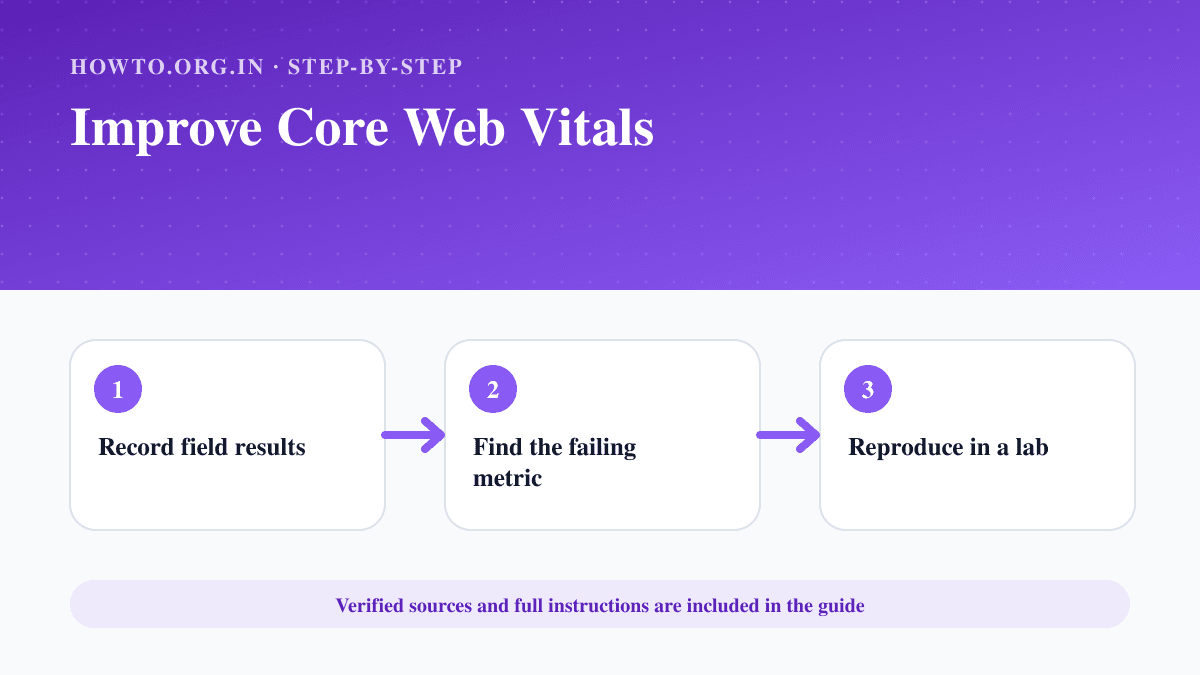
Measure and improve LCP, INP and CLS using field data, PageSpeed Insights, browser tools and focused performance fixes.
Learn how to scan a QR code safely on iPhone, Android, or computer, open links carefully, troubleshoot camera issues, and read FAQs.
Learn how to recover deleted files from Recycle Bin, Trash, cloud storage, backups, file history, mistakes, troubleshooting, and when to stop using the drive.
Learn the current status of Skype, how to export old Skype data, what Skype for Business means, and how to move calls and chats to alternatives safely.