How to Block Websites on Chrome
Learn how to block websites on Chrome with extensions, parental controls, router settings, hosts file options, safety notes, mistakes, troubleshooting, and FAQs.
Search tasks, problems, steps, tools, platforms or devices.
No close matches. Press Search for broader results.
55 matching guides
Learn how to block websites on Chrome with extensions, parental controls, router settings, hosts file options, safety notes, mistakes, troubleshooting, and FAQs.
Learn how to create a website with purpose, domain, hosting, platform, pages, design, SEO basics, launch checklist, mistakes, troubleshooting, and FAQs.
Learn how to make a website mobile friendly with responsive layout, readable text, tap targets, images, speed, testing, mistakes, troubleshooting, and FAQs.
Learn how to choose a domain name with branding, clarity, length, extensions, trademark checks, SEO, mistakes, troubleshooting, and FAQs.
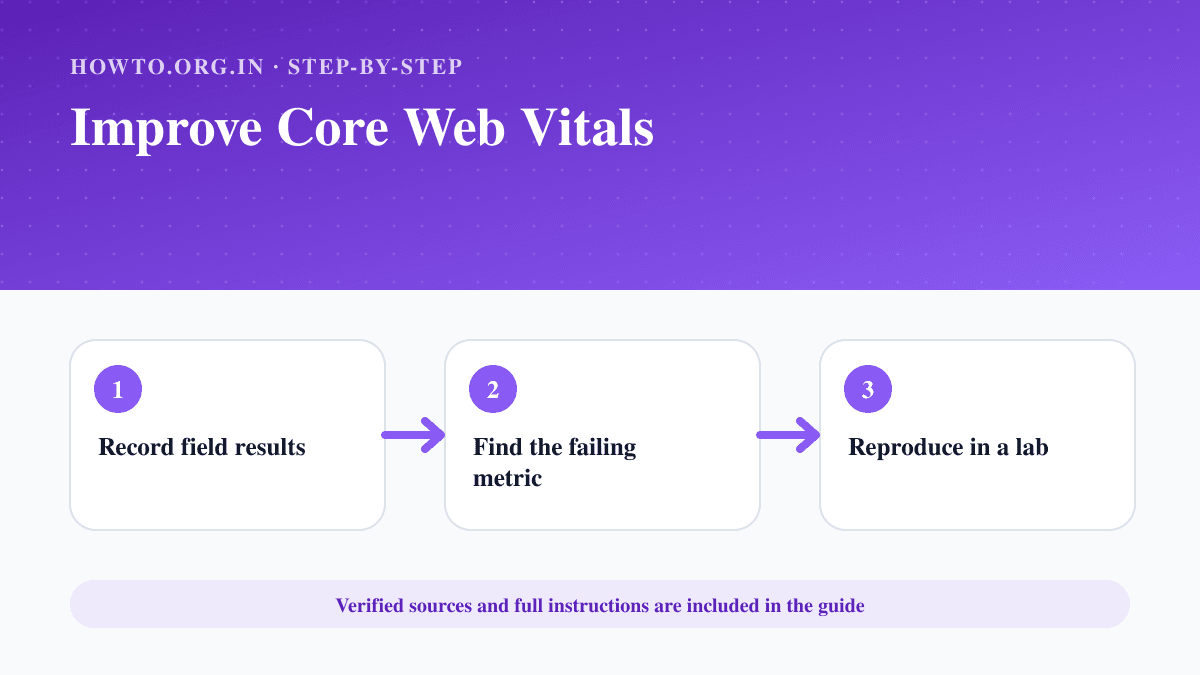
Measure and improve LCP, INP and CLS using field data, PageSpeed Insights, browser tools and focused performance fixes.
Learn how to make a YouTube channel, choose a niche, set up branding, upload your first video, avoid mistakes, troubleshoot, and use FAQs.
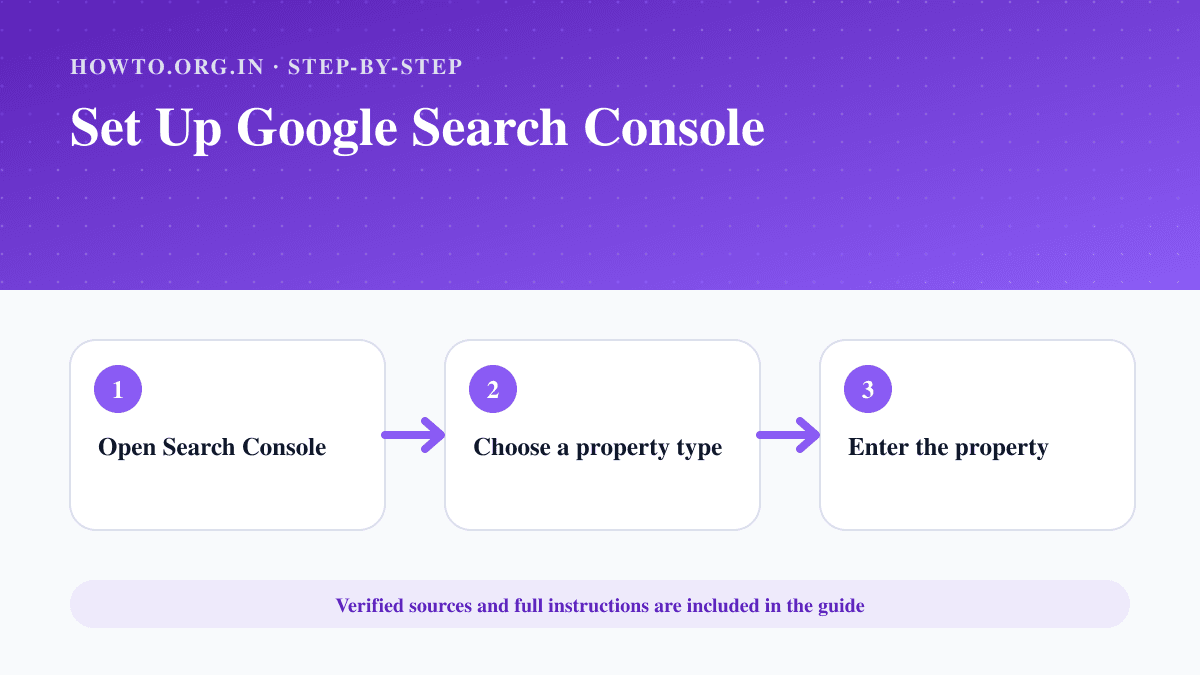
Add a website to Google Search Console, choose a property type, verify ownership and check indexing and performance reports.
Learn how to start a blog with a practical SEO-first roadmap covering niche selection, domain, hosting, content planning, launch checklist, monetization, mistakes, and FAQs.
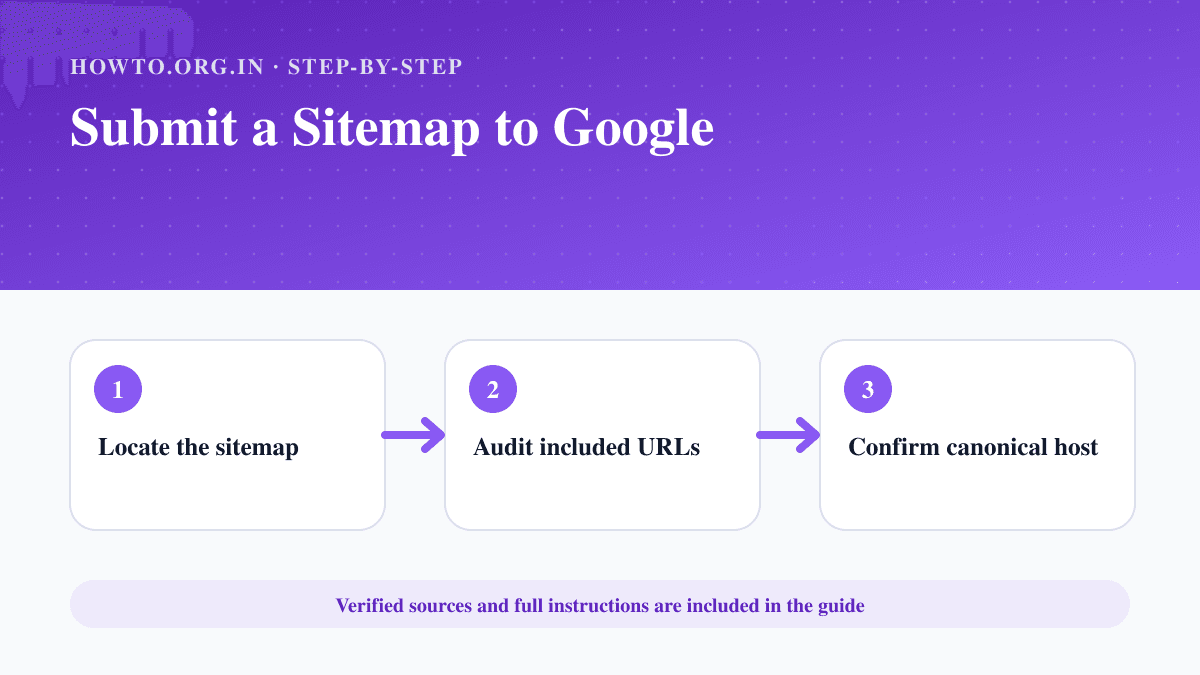
Create or locate an XML sitemap, validate its URLs, publish it and submit the sitemap address in Google Search Console.
Learn how to transfer a domain with unlock, authorization code, email access, DNS checks, payment, approval, mistakes, troubleshooting, and FAQs.
Learn how to clear cache on iPhone in Safari, reduce app storage, clear website data, fix slow browsing, avoid mistakes, and answer FAQs.
Learn how to find your public IP, private IP, router IP, and website IP address on Windows, Mac, Android, iPhone, and browsers with simple steps.
Learn how to block ads with browser settings, trusted extensions, pop-up controls, mobile options, privacy cautions, mistakes, troubleshooting, and FAQs.
Learn how to clear cache and cookies, what each one does, browser steps, sign-in warnings, mistakes, troubleshooting, and FAQs.
Learn how to clear DNS cache safely on common devices and browsers, understand when it helps, avoid mistakes, troubleshoot issues, and read FAQs.
Learn how to connect to Wi-Fi on common devices, choose a network, enter the password, handle captive portals, avoid unsafe networks, and troubleshoot issues.
Learn how to enable cookies in common browsers, allow cookies for one site, understand privacy tradeoffs, troubleshoot login issues, and read FAQs.
Learn how to spot phishing emails with sender checks, urgent language, suspicious links, attachments, payment requests, reporting steps, and FAQs.
Learn how to switch off a pop-up blocker in your browser, allow pop-ups for one trusted site, avoid unsafe pop-ups, and troubleshoot.
Learn how to turn off a pop-up blocker in your browser, allow pop-ups for one trusted site, avoid security mistakes, troubleshoot issues, and read FAQs.
Learn how to allow pop-ups on Chrome safely for a trusted site, manage blocked pop-ups, avoid risky ads, troubleshoot, and use FAQs.
Learn how to check Wi-Fi speed with speed tests, router checks, wired comparison, signal tips, mistakes, troubleshooting, and FAQs.
Learn how to create a QR code for a link, form, menu, or contact card with testing, design tips, common mistakes, troubleshooting, and FAQs.
Learn how to find cheap flights with flexible dates, fare alerts, airport comparisons, baggage checks, timing tips, mistakes, troubleshooting, and FAQs.
Learn JavaScript with a beginner-friendly roadmap, what to learn first, a 30-day practice plan, beginner projects, free resources, common mistakes, and FAQs.
Learn how to set up an email signature with name, title, contact details, links, formatting, mobile checks, mistakes, troubleshooting, and FAQs.
Learn how to use Discord with servers, channels, DMs, voice chat, roles, privacy settings, safety controls, mistakes, and FAQs.
Learn how to use Instagram with account setup, posting, Reels, Stories, privacy settings, safety tips, common mistakes, troubleshooting, and FAQs.
Learn how to become a firefighter with education, fitness, EMT training, applications, academy, interviews, common mistakes, troubleshooting, and FAQs.
Learn how to become a freelancer with skills, niche, portfolio, pricing, clients, invoices, contracts, mistakes, troubleshooting, and FAQs.
Learn how to clear cache on browsers, phones, and apps, what cache means, what gets deleted, when to clear it, mistakes, troubleshooting, and FAQs.
Learn how to convert HEIC to JPG using Mac Preview or Photos, iPhone transfer settings, Windows options, online tools, mistakes, troubleshooting, and FAQs.
Learn how to crop an image, choose aspect ratio, keep a copy, avoid quality loss, troubleshoot wrong sizes, and read FAQs.
Learn how to delete apps on Mac safely, remove App Store and downloaded apps, avoid data loss, troubleshoot locked apps, and use FAQs.
Learn how to delete browsing history safely, choose the right time range, avoid deleting saved data by mistake, troubleshoot, and use FAQs.
Learn how to disable autoplay videos with browser, social app, and device-level settings, plus data-saving tips, common mistakes, troubleshooting, and FAQs.
Learn how to enable dark mode on common devices and apps, schedule it, avoid readability issues, troubleshoot missing settings, and read FAQs.
Learn how to fill out an envelope with recipient address, return address, stamp placement, mailing tips, common mistakes, troubleshooting, and FAQs.
Learn how to phone an extension from a mobile or landline, add pauses, use switchboards, avoid mistakes, troubleshoot failed transfers, and FAQs.
Learn how to scan a QR code on Android using the Camera app, Google Lens, quick settings, safety checks, troubleshooting, and FAQs.
Learn how to scan a QR code on iPhone using Camera or Control Center, plus safety checks, mistakes, troubleshooting, and FAQs.
Learn how to verify an email address with confirmation links, typo checks, domain checks, test messages, business verification tools, mistakes, and FAQs.
Learn how to write a research paper with topic selection, research questions, credible sources, outlining, drafting, citations, mistakes, troubleshooting, and FAQs.
Learn how to cancel Amazon Prime, check renewal dates, handle Prime Video add-ons, avoid mistakes, and confirm cancellation safely.
Learn how to change your default browser on Windows, Mac, Android, or iPhone, set link handling correctly, troubleshoot issues, and read FAQs.
Learn how to create a signature in Outlook, add name and links, set default signatures, avoid formatting issues, troubleshoot, and read FAQs.
Learn how to create a strong password with passphrases, password managers, MFA, unique passwords, mistakes, troubleshooting, and FAQs.
Learn how to create professional invoices with required details, line items, payment terms, a simple example, GST note for Indian users, common mistakes, troubleshooting, and FAQs.
Learn how to deactivate Facebook using Accounts Center, what deactivation means, how it differs from deletion, privacy checks, mistakes, and FAQs.
Learn how to end an email with the right closing line, sign-off, name, contact details, examples, common mistakes, troubleshooting, and FAQs.
Learn how to install Linux safely with distro choice, backups, bootable USB, BIOS/UEFI settings, partition cautions, mistakes, troubleshooting, and FAQs.
Learn how to make a QR code for a link, menu, file, or contact page with setup steps, safety notes, testing, mistakes, troubleshooting, and FAQs.
Learn how to prepare for a job interview with company research, STAR stories, questions to ask, outfit planning, tech checks, mistakes, and FAQs.
Learn how to reset network settings on iPhone, Android, Windows, and Mac, what it removes, what to check first, mistakes, troubleshooting, and FAQs.
Learn how to use Facebook as a beginner, including profile setup, posting, friends, groups, privacy settings, safety tips, mistakes, and FAQs.